 25 Questions for a Construction Customer Satisfaction Survey
 A/B test for questions
Test the wording. Keep the one that gets more people to the end.
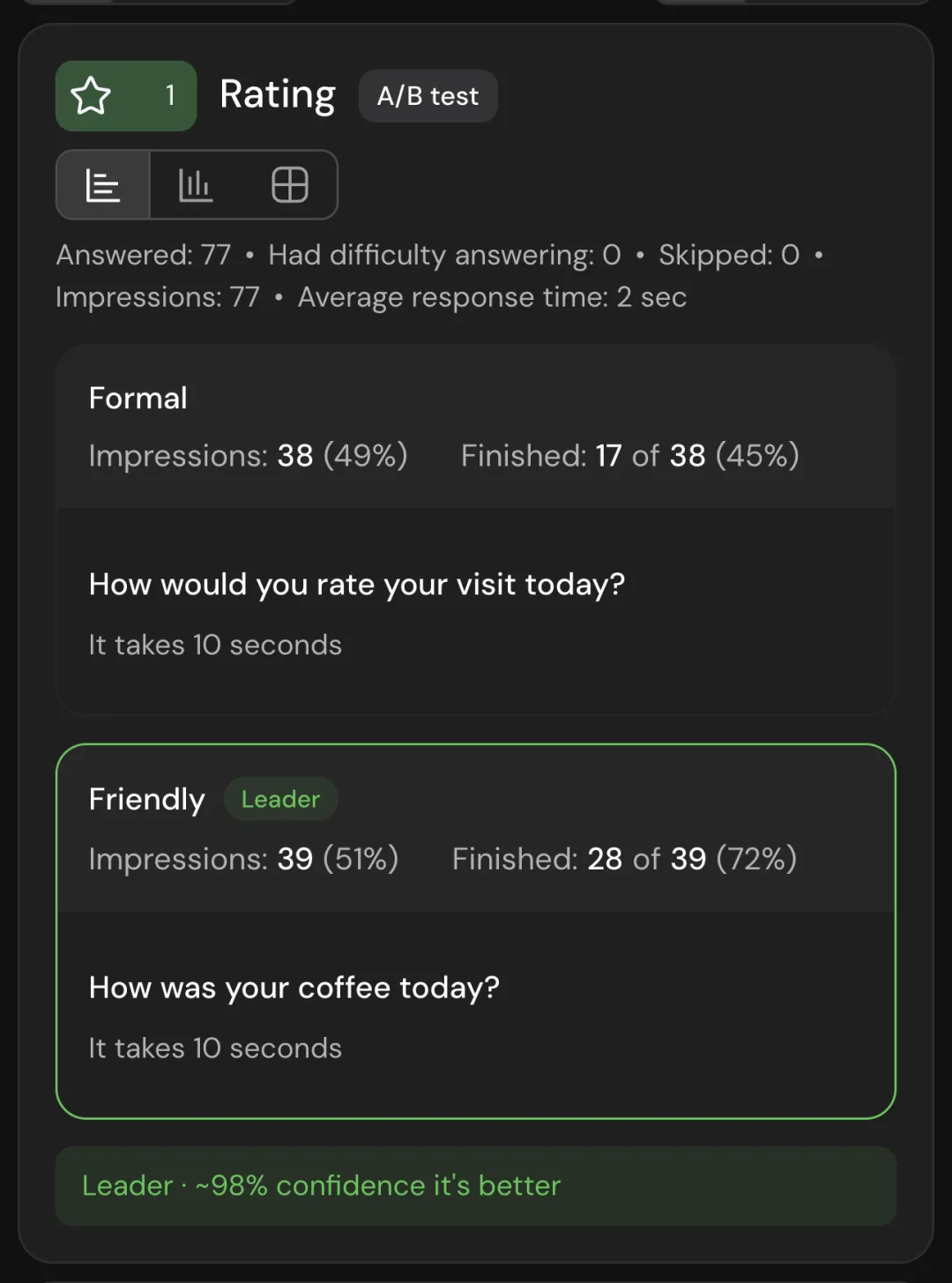
Show respondents different versions of a question and see after which one more of them finish the survey. SurveyNinja marks the leader once it is at least 80% confident.
The A/B test works on every plan. Comparing completion needs Premium.
- Runs on every planThe Leader tag needs Premium.
- One person, one versionBack in the same browser, they see the same variant.
- A leader with its oddsMarked from 80% confidence, with the number shown.
- The variant in your dataFilters and export, from Basic.
One word in a question can change how many people finish your survey. Show two wordings and see which one gets more people to the end.
How to A/B test a survey question.
- 1
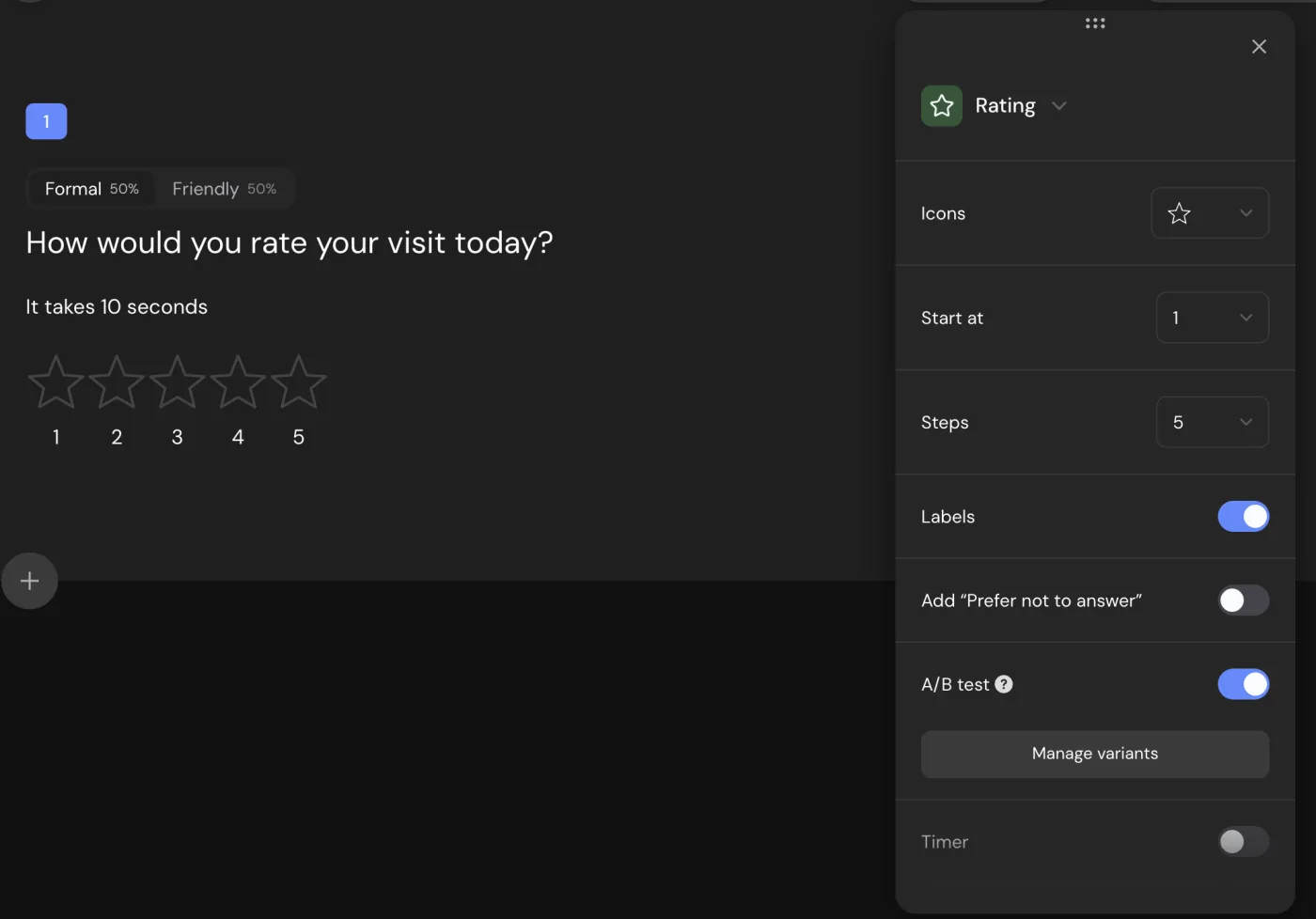
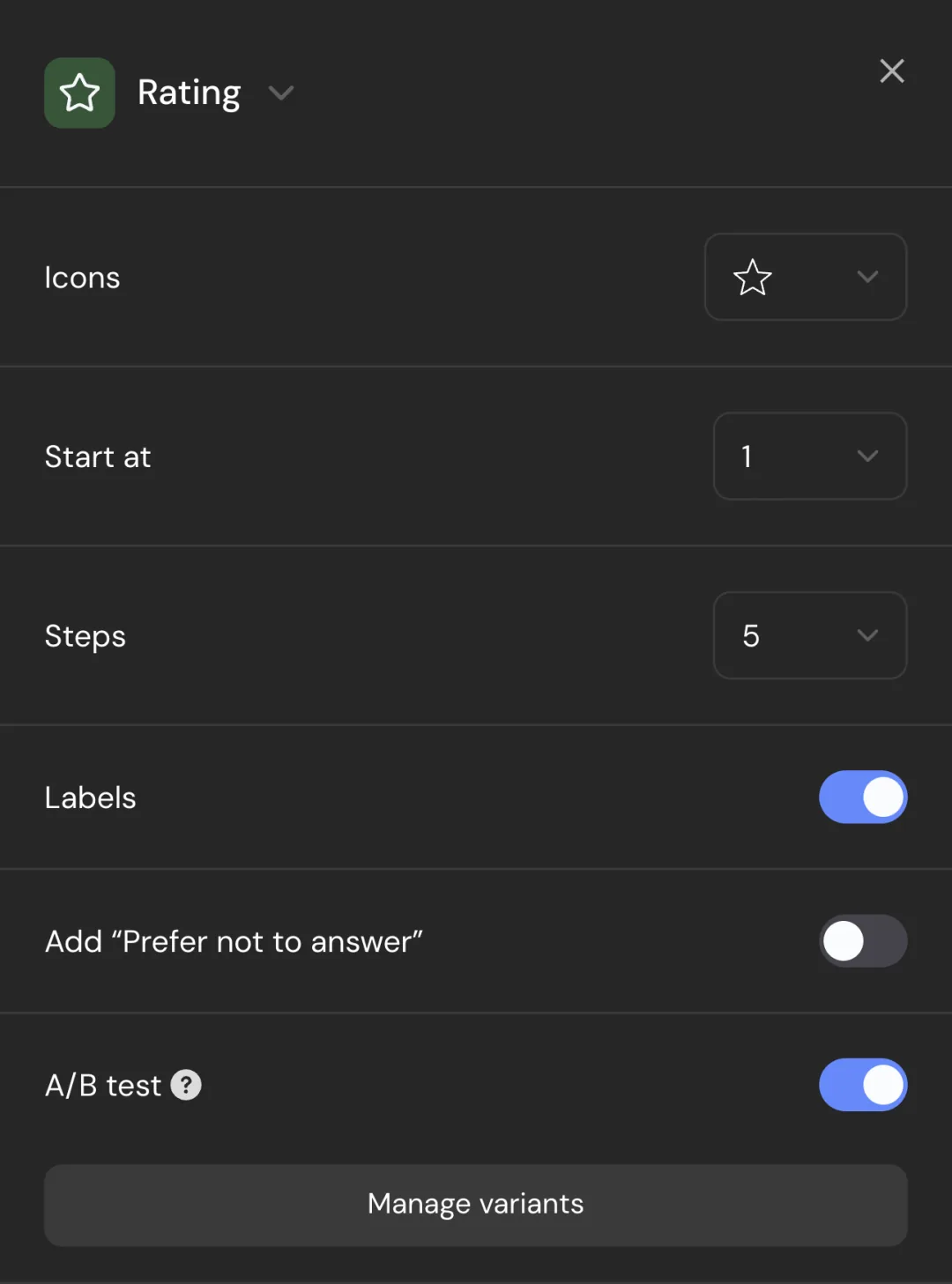
Turn on A/B test.
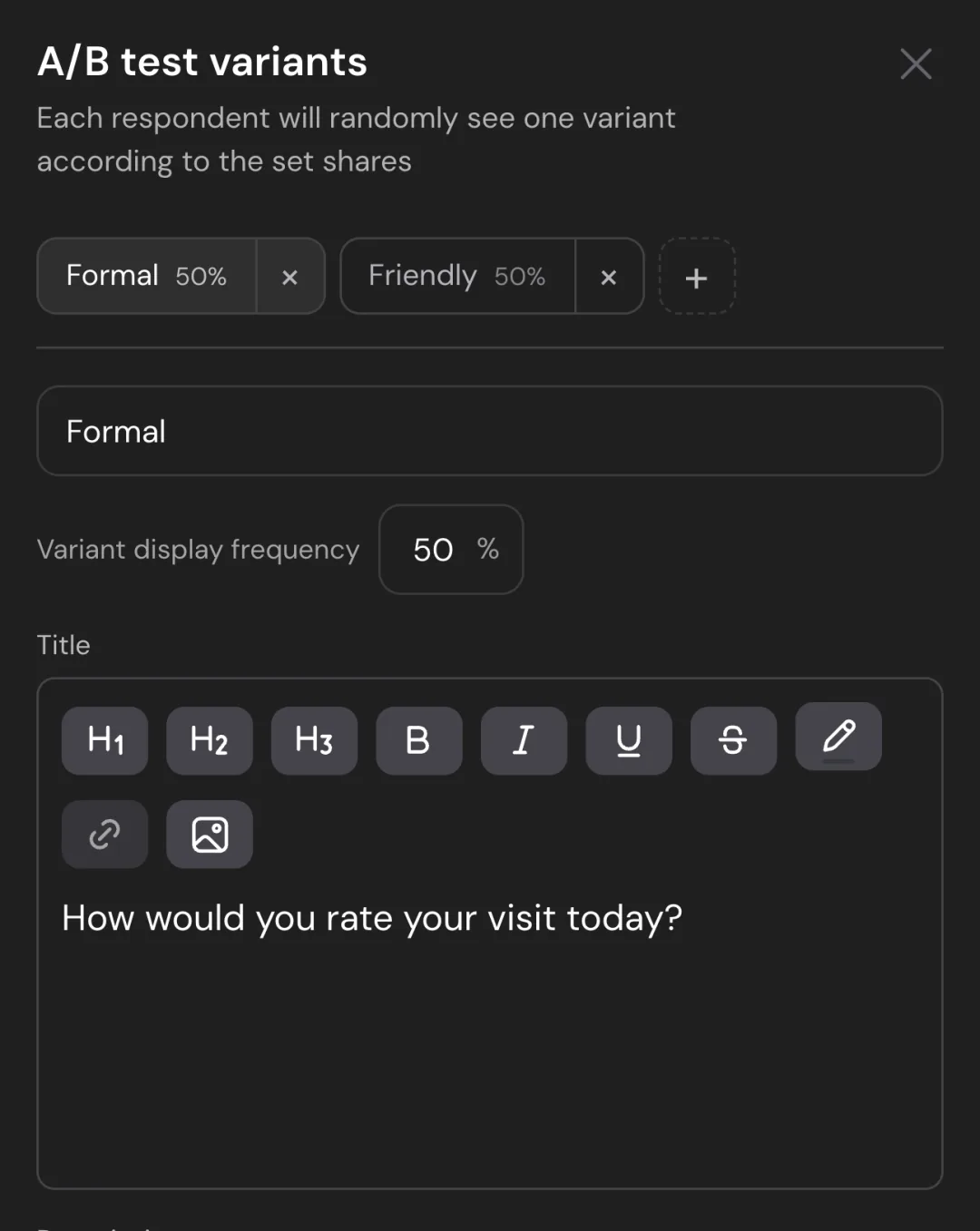
Open the question settings and switch on A/B test. Two variants appear, 50% each, and the question shows their tabs.
- 2
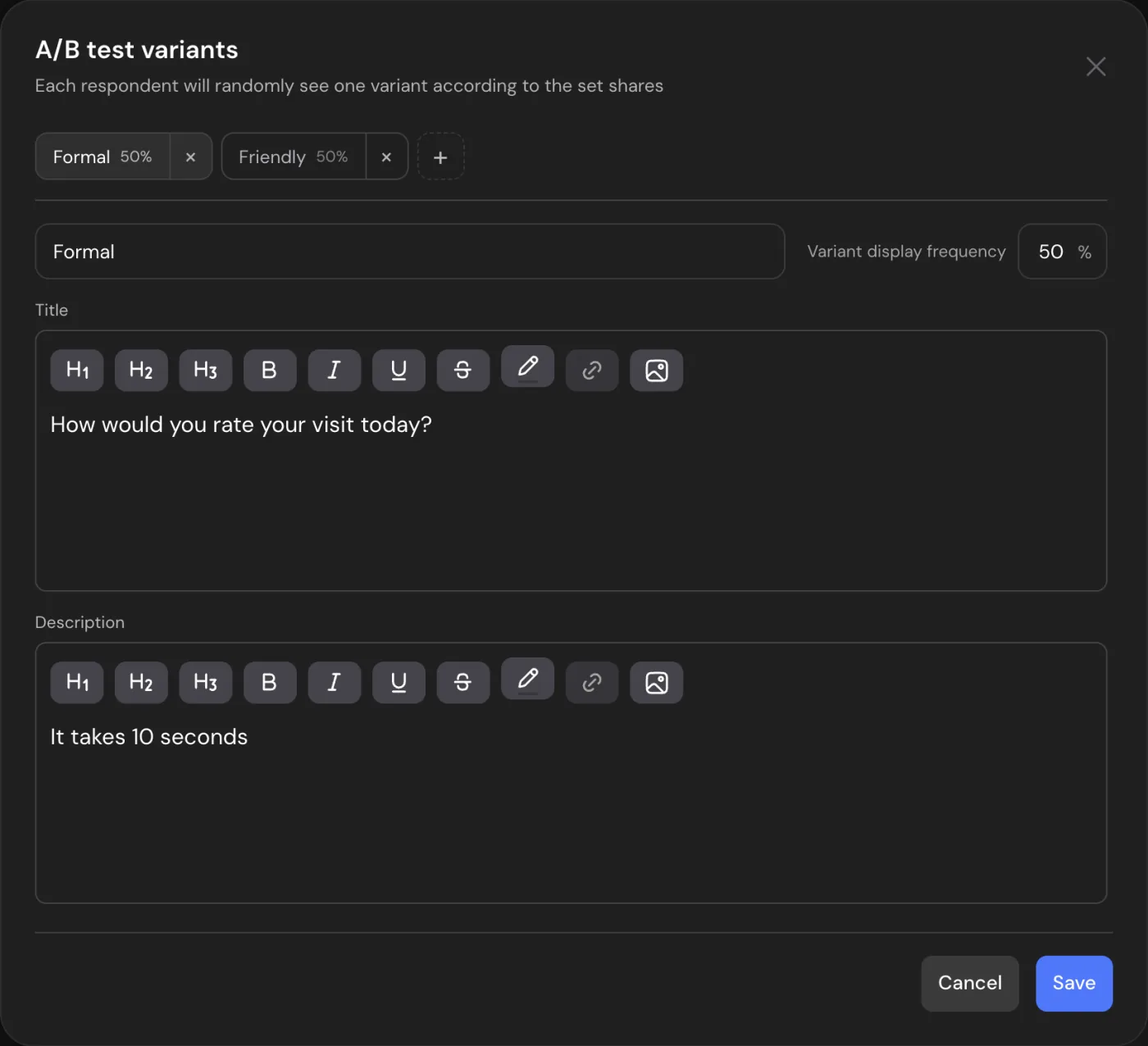
Write the variants.
Give each variant its own title and description, and set the share of people who see it. Add as many as you need.
- 3
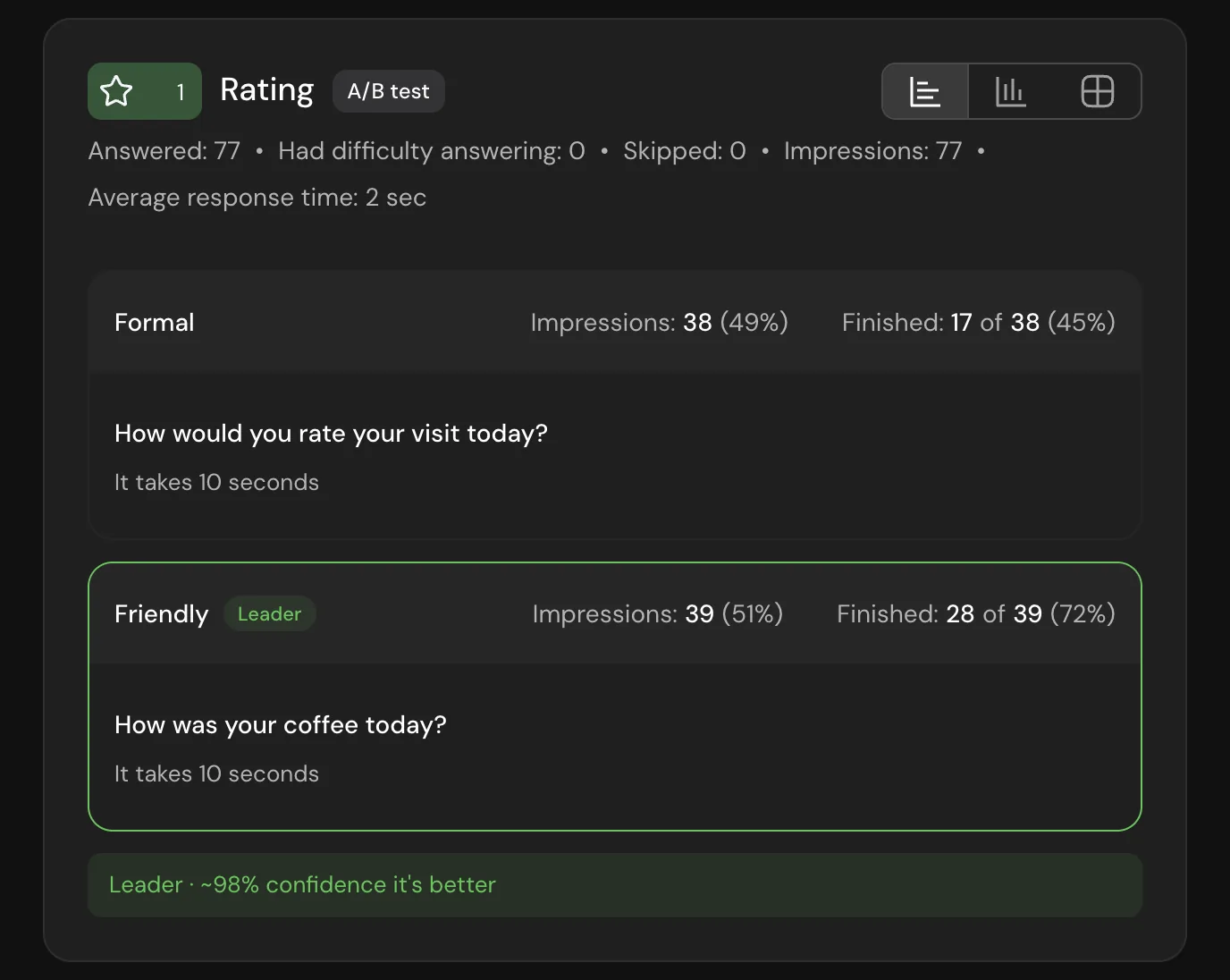
Read the leader.
The report shows how many people saw each variant and how many of them finished. The better one gets the Leader tag.
What to test.
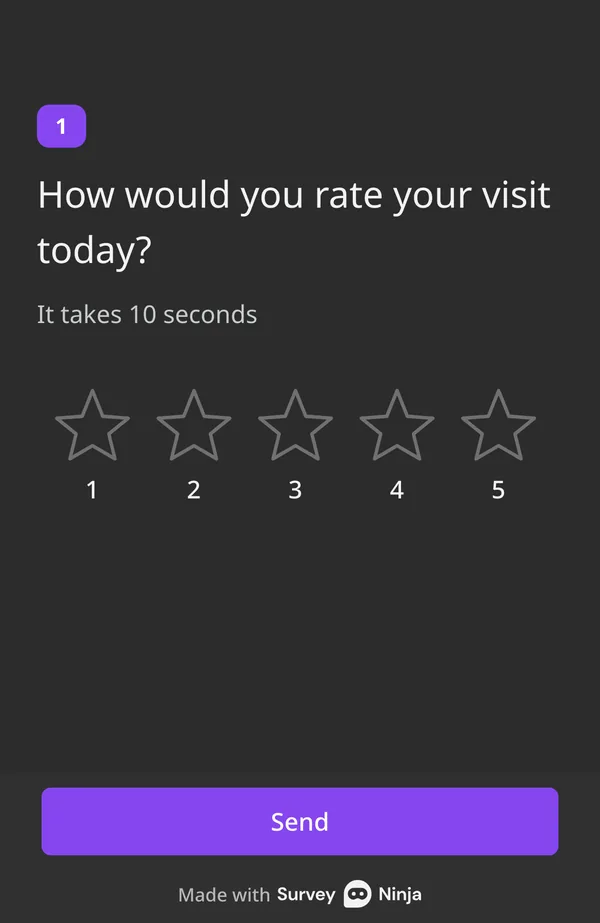
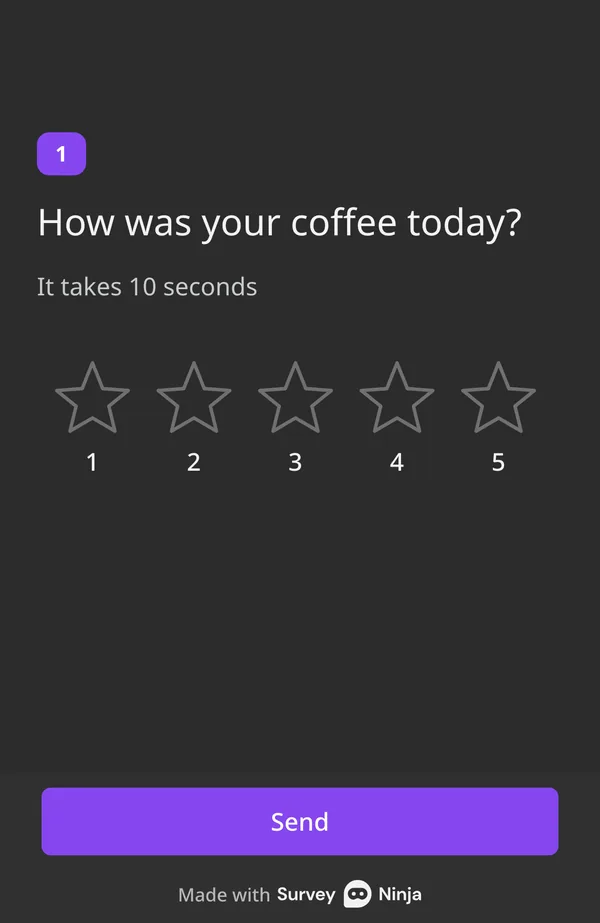
- Formal or friendly"How would you rate your visit?" or "How was your coffee?" The tone can change how many people finish.
- Short or detailedOne line, or a line with an example in the description.
- Broad or specific"Why did you choose us?" or "What made you order today?"
- The intro messageA Message block can have variants too: test how you open the survey.
The variant goes everywhere.
Each respondent's variant is saved with their response, so you can use it like any other answer.
- Logic by variantSend people who saw one variant to their own follow-up question. From Basic.
- Answers per variantFilter the report and the responses by variant to see what each group answered. From Basic.
- The wording each person sawEvery response shows the title its respondent saw.
- A column in the exportCSV and Excel files get the name of the variant. From Basic.
- Close to your sharesWith Autosave progress on in the survey settings, a lagging variant is shown more often, so the split stays near the shares you set.
- Inside groups tooQuestions inside a group can have their own test, and so can Message and HTML blocks.

Already paying for another survey tool?
Send us a screenshot of your bill and get a month of Premium free. Our team will help you move your surveys too.
Questions and answers
What is A/B testing in a survey?
Showing different respondents different versions of the same question to see which works better. In SurveyNinja a variant changes the question's title and description, and the report compares how many people finished the survey after each one.
Which plans include the A/B test?
The test itself works on every plan, Free included. Logic by variant, filters and the variant in the export need Basic or higher. Comparing completion needs the All tab of the report, which is on Premium and higher.
What can a variant change?
The question's title and description. Answer options, images and the other settings are the same for every variant.
Can I test a whole survey?
No, the test is for one question at a time. Several questions in a survey can each have their own test, and each picks its variant separately.
How is the leader picked?
SurveyNinja takes the two variants with the highest share of finished respondents and compares them with a two-proportion z-test. When it is at least 80% confident the difference is real, the better one gets the Leader tag. It compares completion only, not the answers. For a stricter check of your own numbers, use the free A/B test significance calculator in our tools.
Will one person see different versions?
No. A respondent who comes back in the same browser gets the same variant, even if you change the shares.
Why do all variants show 100%?
The report counts the responses chosen above it. On Completed, everyone counted has finished. Choose All to compare variants, which needs Premium or higher.
How many variants can a question have?
As many as you need. Each new variant gets an equal share, and you can change the shares so they add up to 100%.
Didn't find the answer? Write to [email protected] or use the contact page.

Keep the wording more people finish with.
Run the test on any plan. The completion comparison and the Leader tag come with Premium and higher.