 25 Questions for a Construction Customer Satisfaction Survey
 Survey maker
Free online survey maker for surveys people finish.
SurveyNinja is an online survey maker for customer, employee and research surveys. Start from a template, with AI or from scratch, add logic and your brand, then share a link, a QR code or a widget on your website.
Free plan: 3 surveys and 100 responses a month, no credit card. What's free →

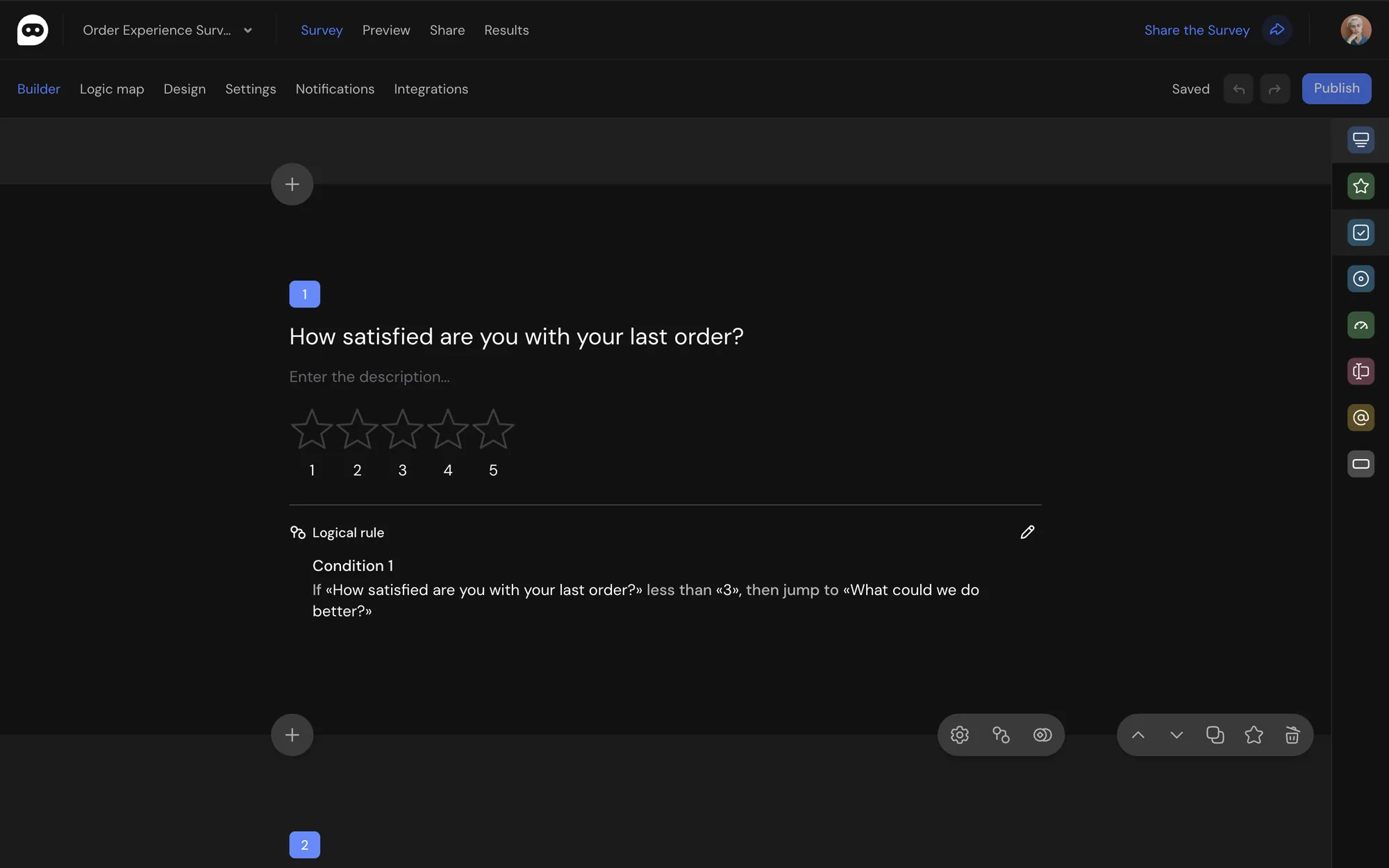
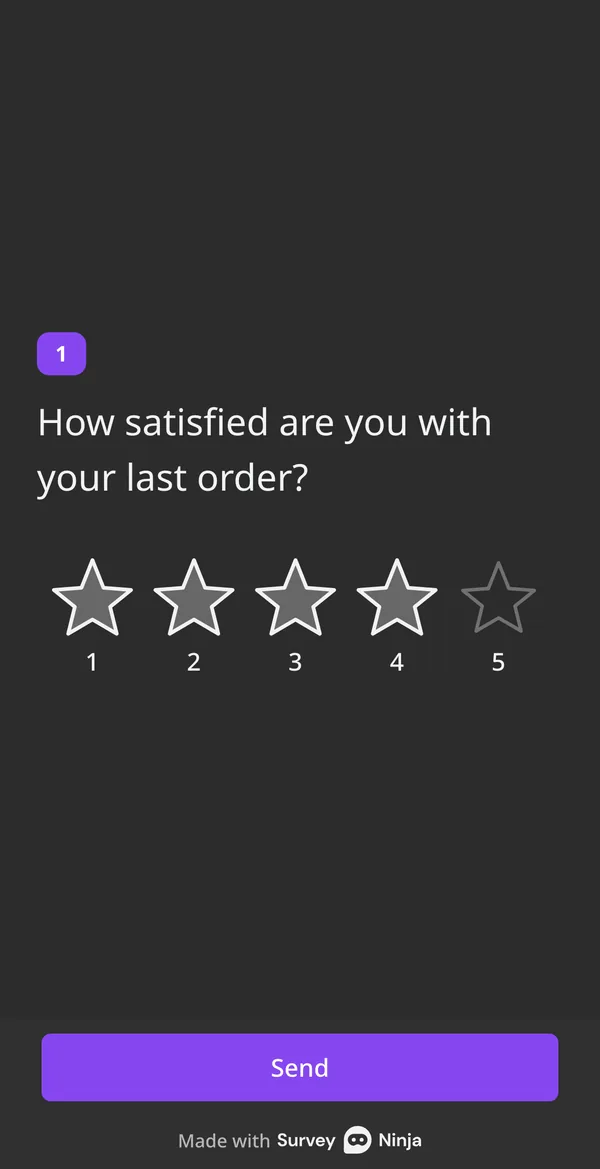
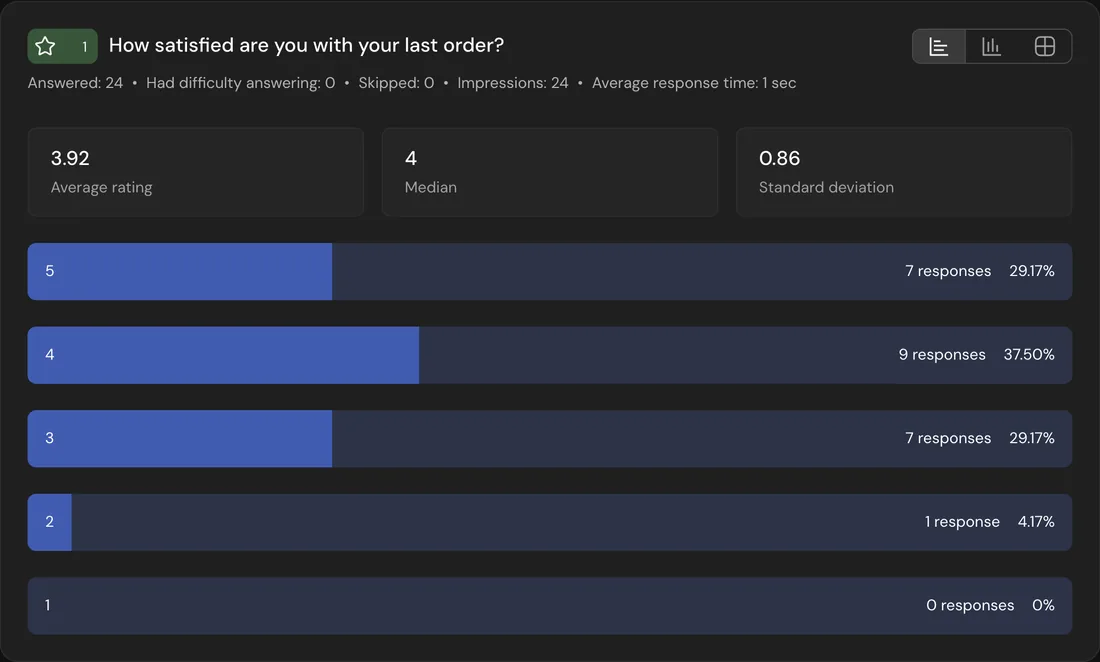
- 34 question typesFrom NPS to click tests.
- Logic and quotasAsk only what applies.
- Import in one clickFrom Typeform and Google Forms.
- Works on a phoneBuild a whole survey on mobile.
How to make a survey in four steps.
- 1
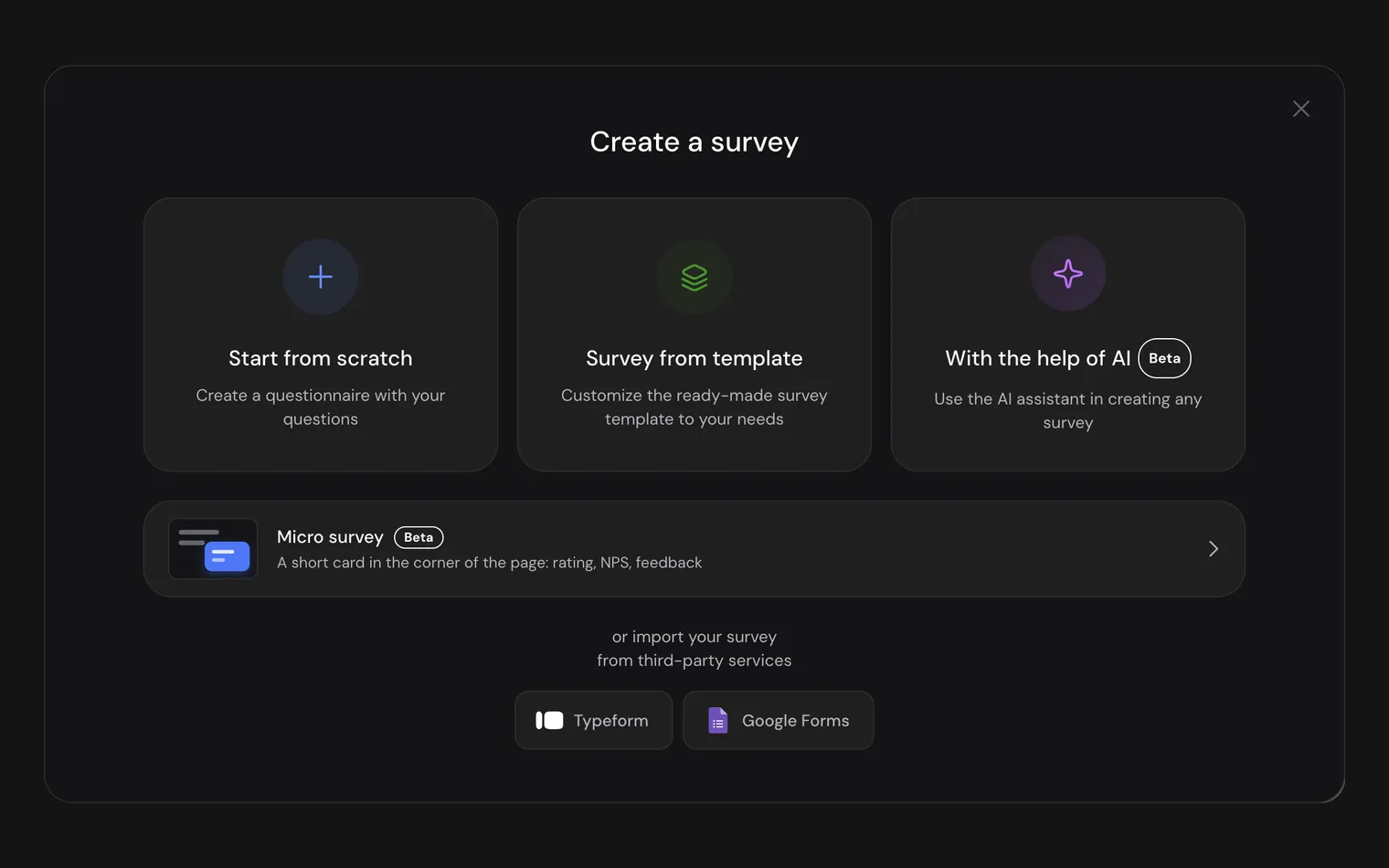
Start from a template, AI or a blank page.
Pick a ready survey, describe your goal to AI in one sentence, or import a survey from Typeform or Google Forms.
- 2
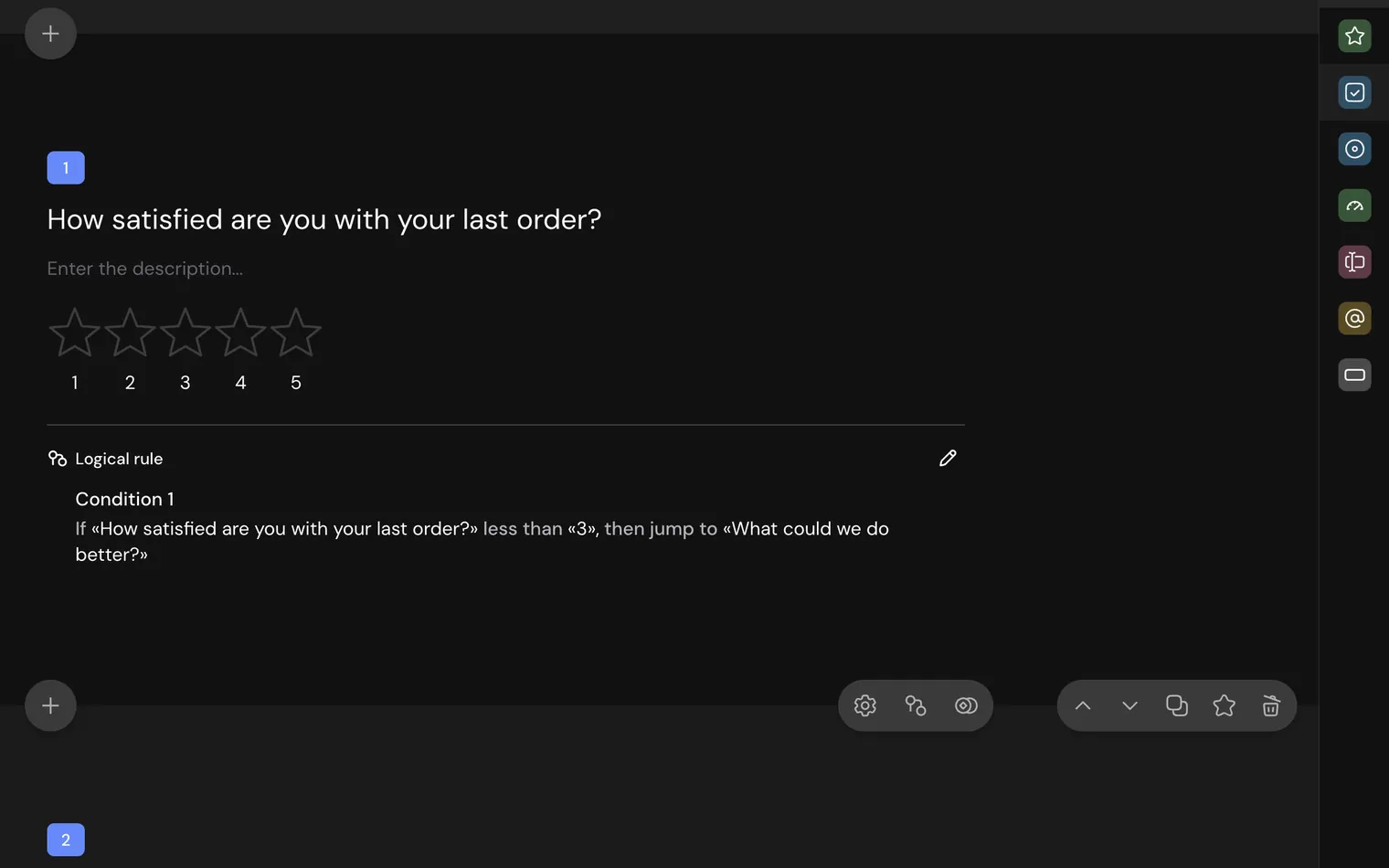
Add questions and logic.
Choose a type for each question, then add rules: skip what doesn't apply, ask a follow-up, end the survey for people who don't fit.
- 3
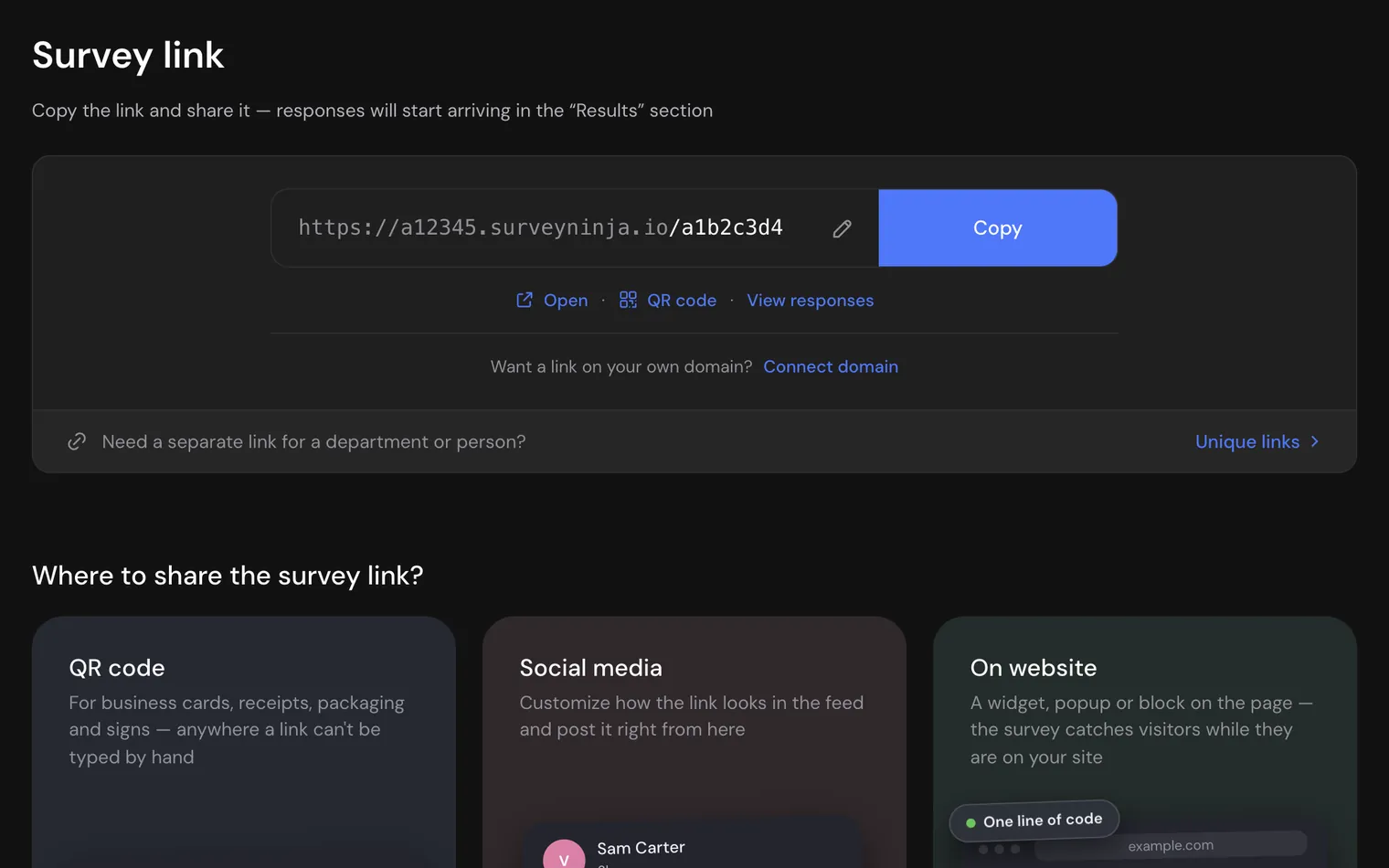
Share it anywhere.
Copy the link, print a QR code, post it on social media or embed the survey on your website.
- 4
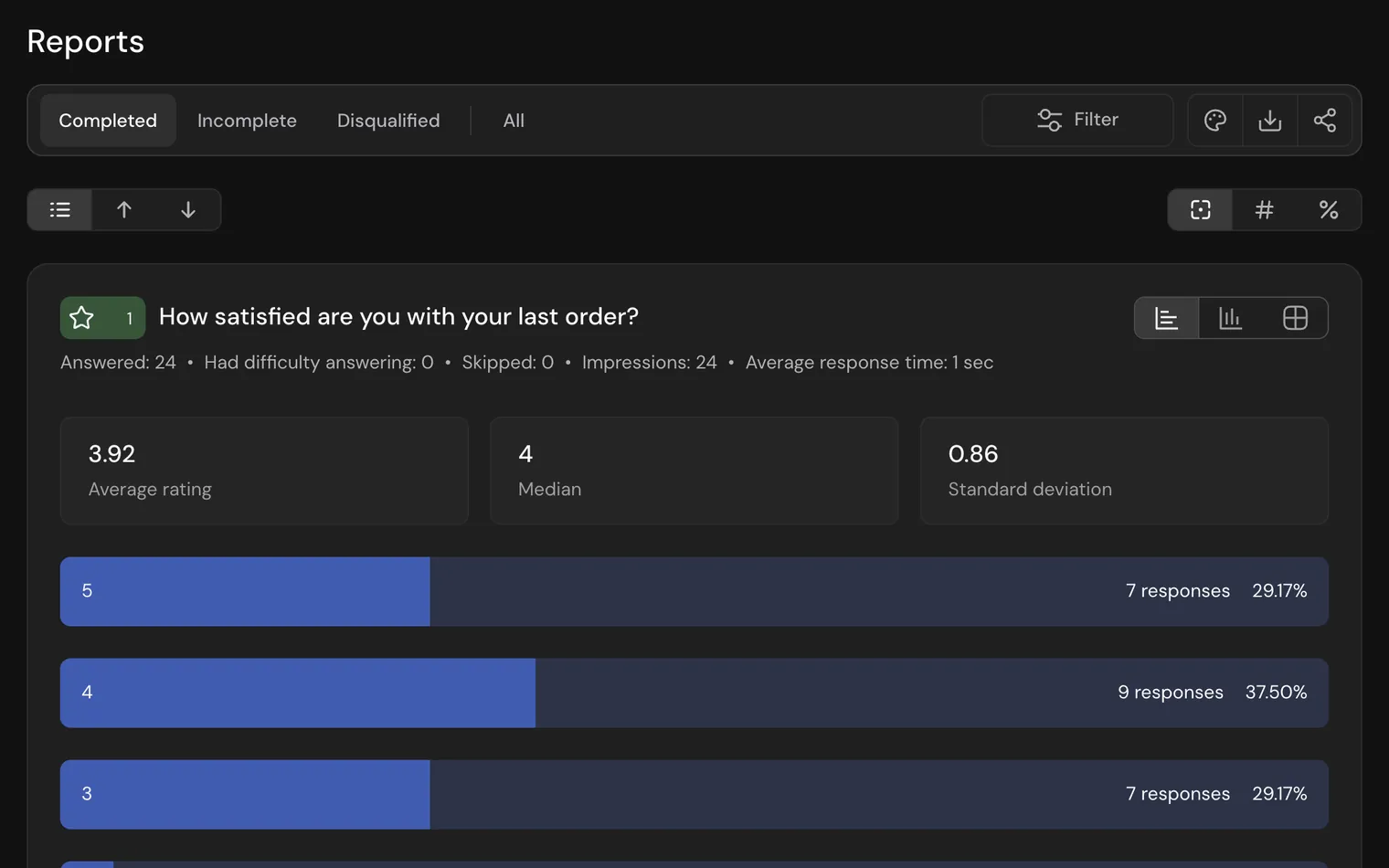
Read the results as they come in.
Every closed question gets a chart with counts, percentages and averages, ready while answers arrive.

Three ways to start.
Write nothing from scratch unless you want to.
- Describe it to AI Write what you want to learn, and AI drafts the questions. On every plan, in beta. AI survey generator →
- Pick a template Open a ready survey for customers, employees, events or research and change what you need. Survey templates →
- Bring your survey Import from Typeform or Google Forms in one click, on every plan. Coming from another tool? Our team helps you move. Switch to SurveyNinja →
Every question type, from a star rating to a click test.
Simple form builders stop at choices and text. SurveyNinja adds the question types researchers and product teams use.
Choice
- Single choice Pick one answer from a list.
- Multiple choice Pick several answers, with a minimum and maximum if you need them.
- Media choice Answers shown as pictures.
- Yes or no A quick yes or no with icons.
- Dropdown A long list in a compact menu.
- Ranking Drag the options into order.
Ratings and scales
- Rating Stars or other icons.
- Smile rating Faces from sad to happy, with a follow-up question for low scores.
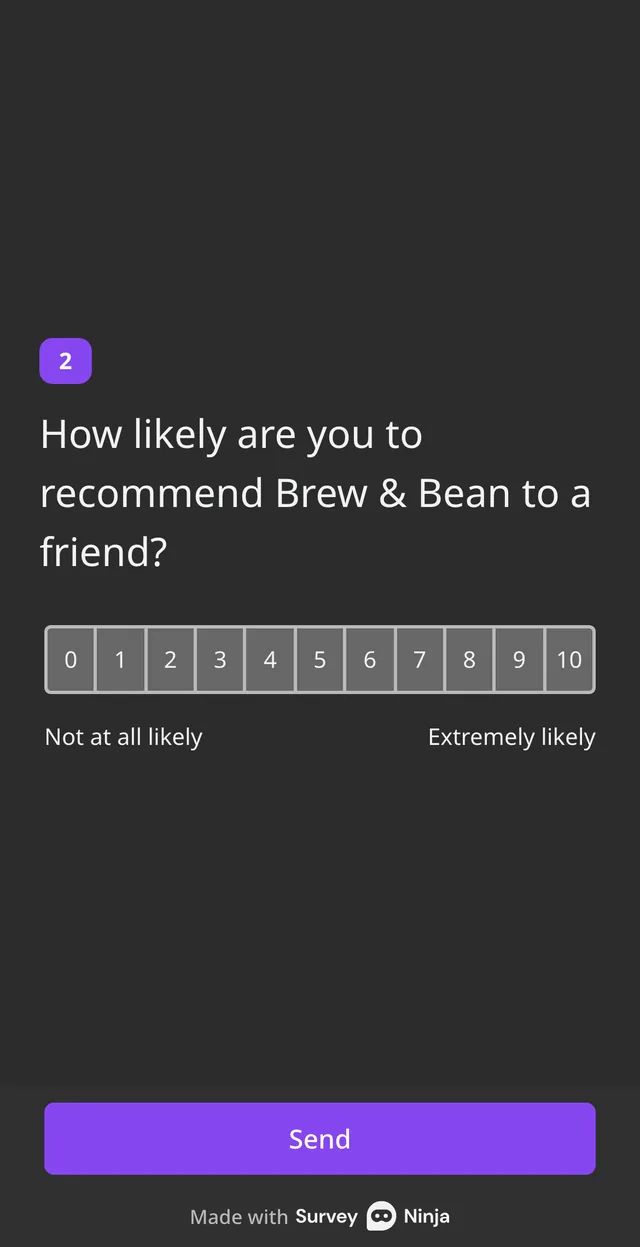
- NPS 0 to 10, with the NPS score counted in the report.
- Opinion scale A numbered scale with labels at the ends.
- Slider Any number on a range.
- Allocation slider Split a budget of points between the options.
Matrices
- Matrix Rate several items on one scale.
- Matrix 3D A table with its own list of answers in each column.
- Semantic differential Place an opinion between two opposites.
Research and UX
- Click test Where people click on an image, shown as a heatmap.
- Hotspot selection People outline the parts of an image they notice.
- Area selection Zones of an image work as answer options.
- Paired comparison Two options at a time, until the favorite wins.
- Map Pins on a map, with the places in the report.
Text and contacts
- Enter text Short or long written answers.
- Numerical response A number within the limits you set.
- Full name First and last name in separate fields.
- Email An email address.
- Phone number A phone number with the country code.
- Date and time A date, a time or both.
- File upload Files and photos people attach.
- Booking A free time slot from your schedule.
The Free plan has 13 types, NPS among them. Most others come with Basic, the map and HTML blocks with Standard.
Logic that keeps every survey short.
Ask only what applies to each person. Rules jump to the right question, hide what doesn't matter and end the survey early when someone doesn't fit.
- Jumps, show and hide rules and disqualification, from Basic.
- Quotas that close a group once it is full, from Basic.
- Earlier answers inserted into later questions, on every plan.
- Hidden variables from the link, from Standard.
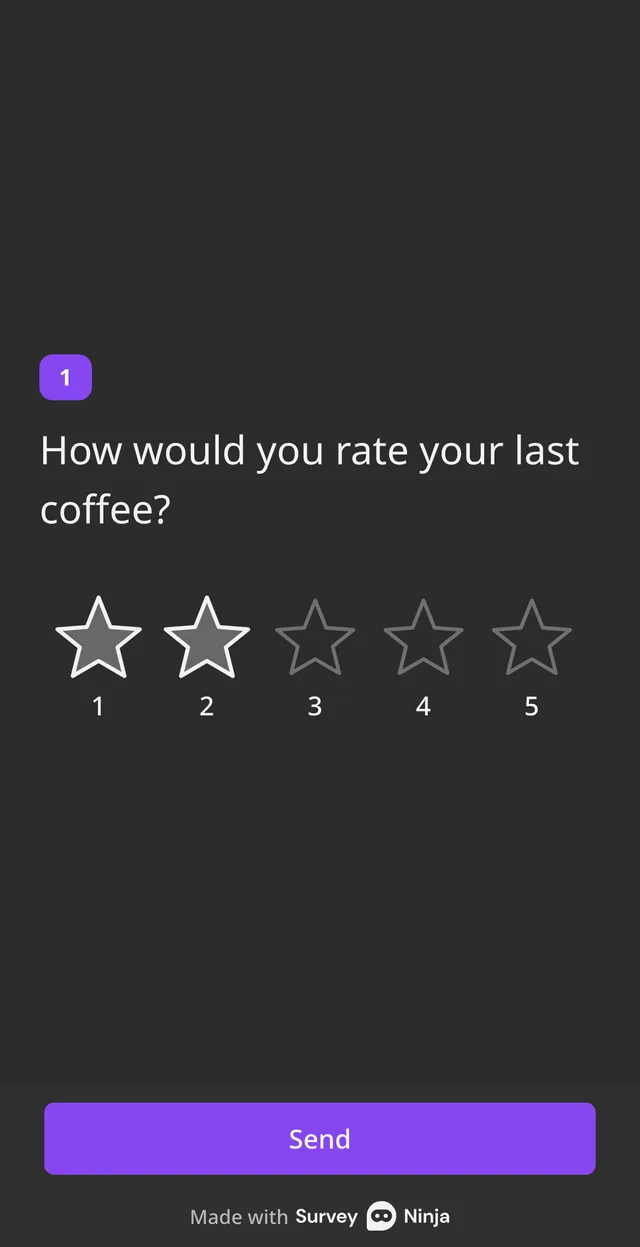
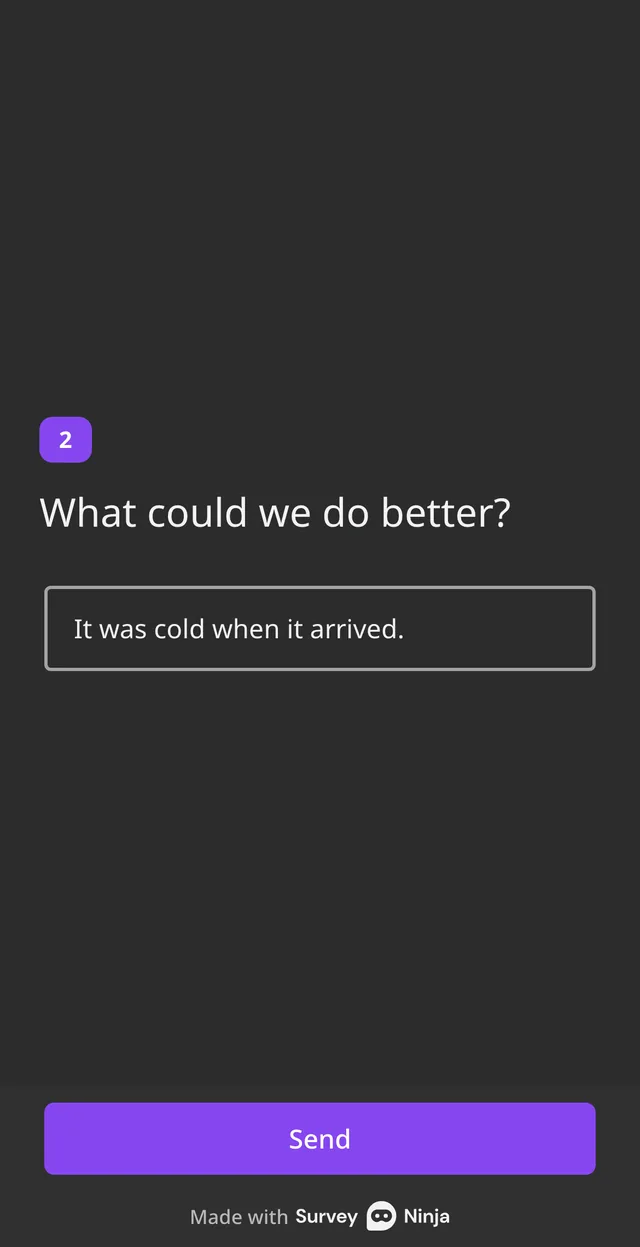
Rating of 1 or 2 → Ask what could be better
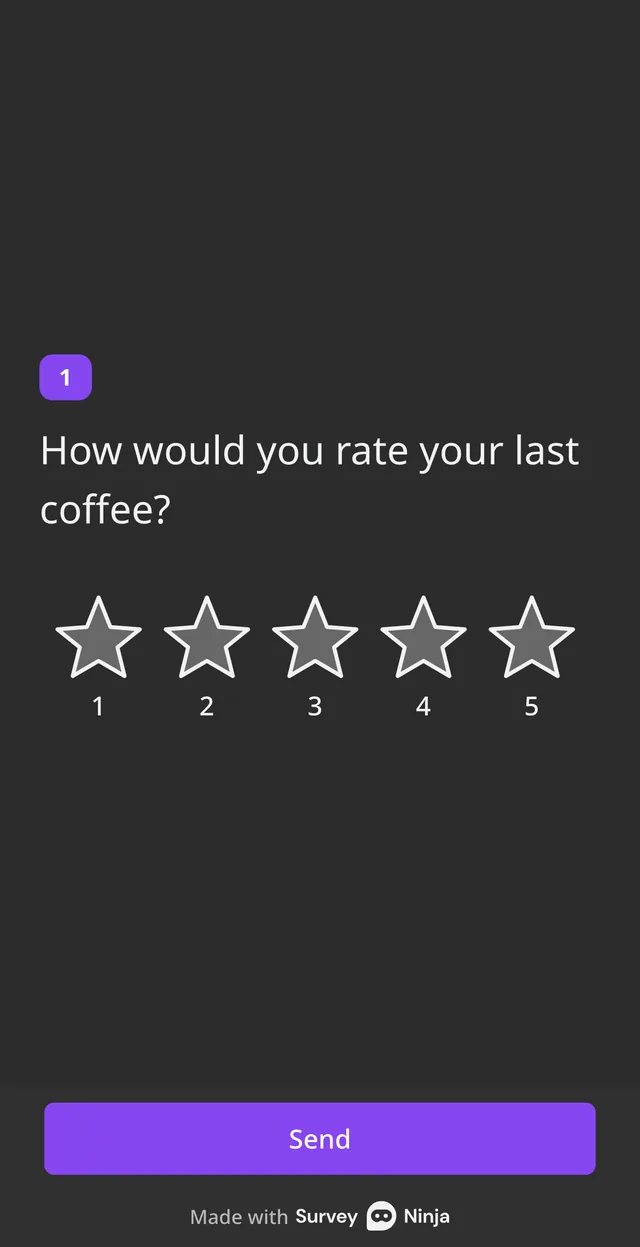
Rating of 3 to 5 → Ask for a recommendation
Make it look like yours.
- Your logo and colors Pick a theme, then add your logo and colors from Basic, or your own CSS.
- No SurveyNinja branding Remove our logo from Standard. Use a subdomain from Basic and your own domain on Premium.
- Three languages for respondents People see the survey interface in English, Spanish or Portuguese. You write the questions in any language.

- Build it on your phone Every part of the builder works on a phone: questions, logic, design, sharing and answers.

Share it where your people are.
Send a link, print a QR code, post it on social media or put the survey on your website as a widget, pop-up, button or block.
- Link, QR code, print and social posts, on every plan.
- Unique links for each person or department, from Standard.
- Password, captcha and one response per person, on every plan.
- A short survey in the corner of your website, on every plan, in beta.

Results without a spreadsheet.
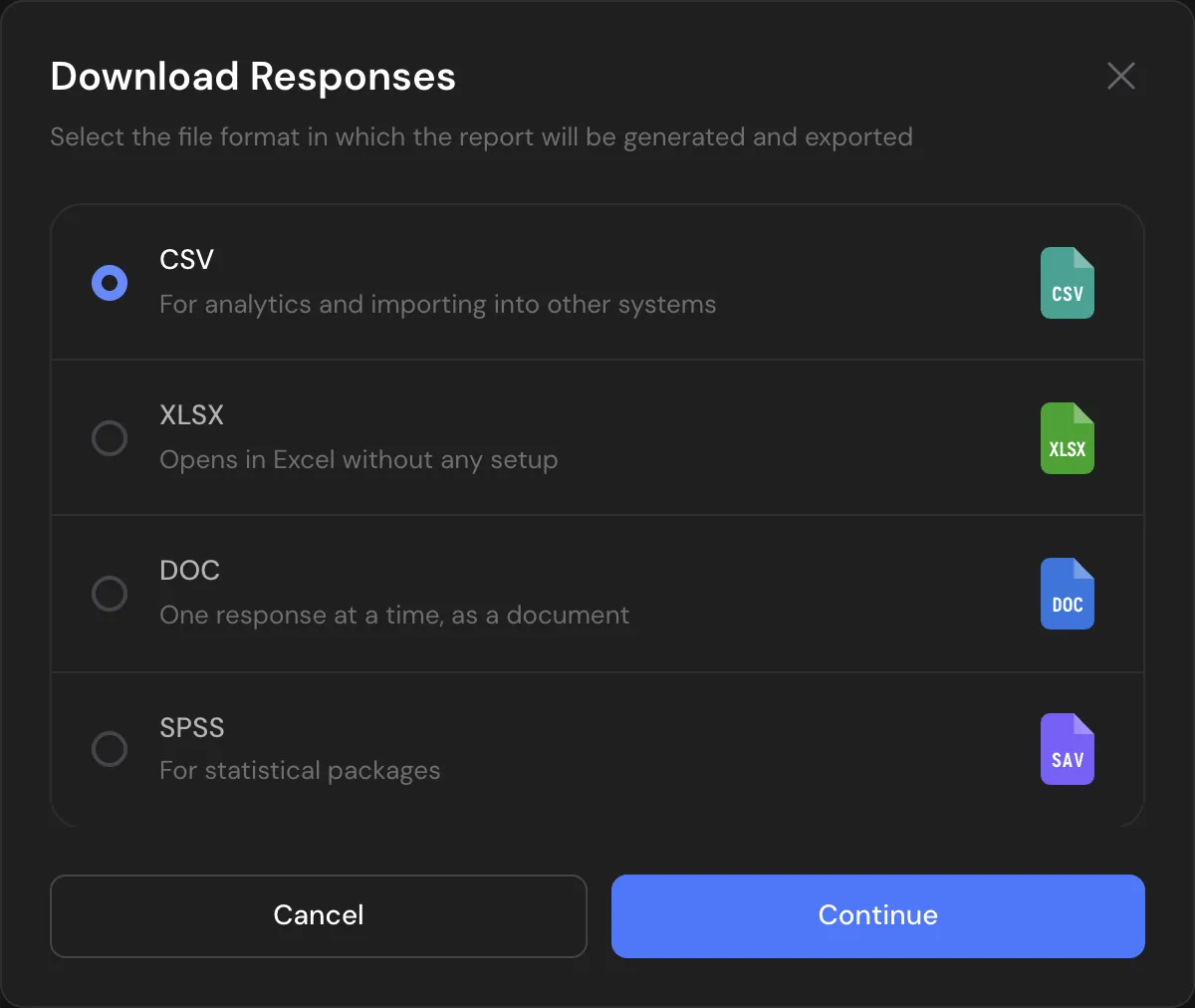
Every closed question gets its own chart with counts, percentages and averages. From Basic, filter by any answer and export to Excel, SPSS or PDF. On Premium, AI reads open answers and writes the summary.



Start from a ready survey.
Templates written for real jobs. Open one, change what you need and send it.
Customer Relations
- Homeowners' Association (HOA) Survey
- Supermarket Satisfaction Survey
- Travel Agency Customer Satisfaction
- Taxi Customer Satisfaction Survey
Survey ideas by goal

What's free, and what comes next.
The Free plan has no time limit and needs no credit card. Upgrade when you need more answers, logic or your own brand.
| What you get | Free | Basic | Standard | Premium |
|---|---|---|---|---|
| Price | $0 | $10.50/mo | $25.90/mo | $48.30/mo |
| Responses a month | 100 | 1,000 | 5,000 | 20,000 |
| Surveys | 3 | 100 | 500 | Unlimited |
| Questions per survey | 10 | 50 | 100 | Unlimited |
| Question types | 13, NPS among them | All but map and HTML | All types | All types |
| Logic and quotas | No | Yes | Yes | Yes |
| Export to Excel, SPSS and PDF | No | Yes | Yes | Yes |
| Your logo and colors | No | Yes | Yes | Yes |
| No SurveyNinja branding | No | No | Yes | Yes |
| Survey address | surveyninja.io link | Your subdomain | Your subdomain | Your own domain |
| AI survey generator (beta) | Yes | Yes | Yes | Yes |
| AI report on open answers | No | No | No | Yes |
| Team members | 1 | 1 | 3 | 5 |
Prices per month, billed yearly, in USD. All plans and limits →

Plan it like a researcher.
Free calculators for the questions before and after a survey. No sign-up needed.
- Sample sizeHow many answers you need for a reliable result. Open the calculator →
- Invites neededHow many people to invite to get those answers. Open the calculator →
- Response rateWhat share of the people you invited answered. Open the calculator →
- Margin of errorHow far your result may be from the real value. Open the calculator →

Already paying for a survey tool?
Send us a screenshot of your invoice and get a month of Premium free. Our team also helps you move your surveys to SurveyNinja.
Questions and answers
Is SurveyNinja a free survey maker?
Yes. The Free plan includes 3 surveys, 100 responses a month and up to 10 questions per survey, with no time limit and no credit card. Paid plans add logic, exports, your brand and more responses.
How do I make a survey for free?
Sign up on the Free plan, then pick a template, describe your survey to AI or start from scratch. Add your questions, choose a theme and copy the link. A short survey takes a few minutes.
How do I make a good survey?
Ask one thing per question, keep the survey short, put easy questions first and use logic so people skip what doesn't apply. Before you send it, check how many answers you need with the free sample size calculator.
Can AI make a survey for me?
Yes. Describe what you want to learn in a sentence, and the AI survey generator writes the questions. You can edit everything before you share it. It works on every plan, in beta.
How is SurveyNinja different from Google Forms?
SurveyNinja adds question types Google Forms doesn't have, such as NPS with its score, 3D matrix, semantic differential, click tests and paired comparison, plus quotas, your own domain, a short survey in the corner of your website (in beta) and SPSS export. A Google Forms survey moves over in one click.
What question types can I use?
34 types: choices and dropdowns, ratings and scales, NPS, matrix and 3D matrix, semantic differential, paired comparison, map, click test, contact fields, file upload, booking and others. 13 of them, NPS among them, are on the Free plan.
Can I add logic to a survey?
Yes, from Basic: jump to a question, show or hide questions, end the survey early or disqualify people who don't fit, and close groups with quotas. Inserting earlier answers into later questions works on every plan.
Can I put a survey on my website?
Yes. Embed it as a widget, pop-up, button or block on every plan, or show a short survey in the corner of your pages with website surveys (in beta).
Can I make a survey on my phone?
Yes. The whole builder works on a phone: questions, logic, design, sharing and answers. Respondents can answer on any device.
In which languages can people answer?
The survey interface for respondents is in English, Spanish and Portuguese. You write the questions in the language you need.
Can I move my surveys from Google Forms or Typeform?
Yes. Surveys from Typeform and Google Forms are imported in one click on every plan, including Free. Responses can be imported on paid plans, and our team helps you move from other tools.
How do I protect a survey from repeated answers?
Use a password, a captcha, IP lists, device limits or one response per person. These settings are on every plan.
Didn't find the answer? Write to [email protected] or use the contact page.

Your next survey can be live in minutes.
Start on the Free plan and add logic, exports and more responses when you need them.