Switch to SurveyNinja

Move to SurveyNinja with every response

Your Typeform and Google Forms surveys come over in one click, together with every response you've collected. From any other tool, the AI generator rebuilds a survey from a description and your history comes in from a CSV or Excel file.

Surveys move on every plan, including Free. Responses move on paid plans, up to 10,000 per transfer.

Where are you coming from?

Pick your tool and see exactly how it moves.

One-click import

Typeform: your survey and every response in one click

  1. Connect Typeform in its own sign-in window
  2. Pick a form and switch on response transfer
  3. Your survey opens in SurveyNinja while the responses arrive

What comes with you

  • Questions and answer options
  • Welcome screen and end screens
  • Logic jumps
  • Answer scores
  • Every collected response, on paid plans

Answers in Excel or on paper? How to create a survey in Excel

See how it moves

One click, and the survey arrives with every response

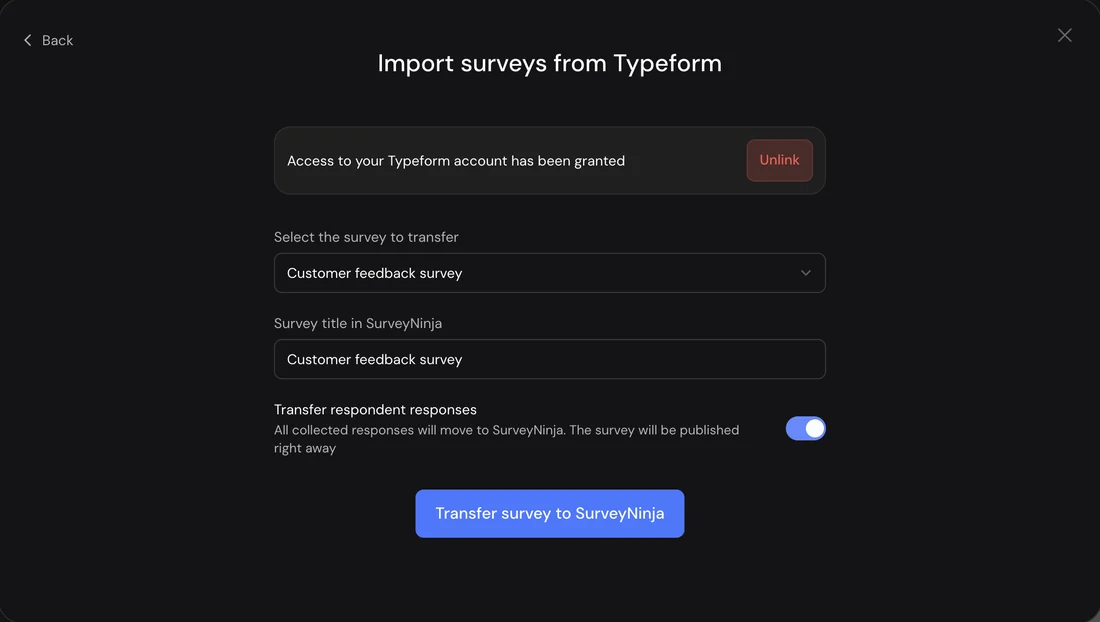
Connect Typeform or Google Forms, pick a form and switch on response transfer. The survey opens in the builder while every collected response moves in the background.

The Import surveys from Typeform window in SurveyNinja with the Transfer respondent responses switch turned on

Responses from any tool, with their original dates

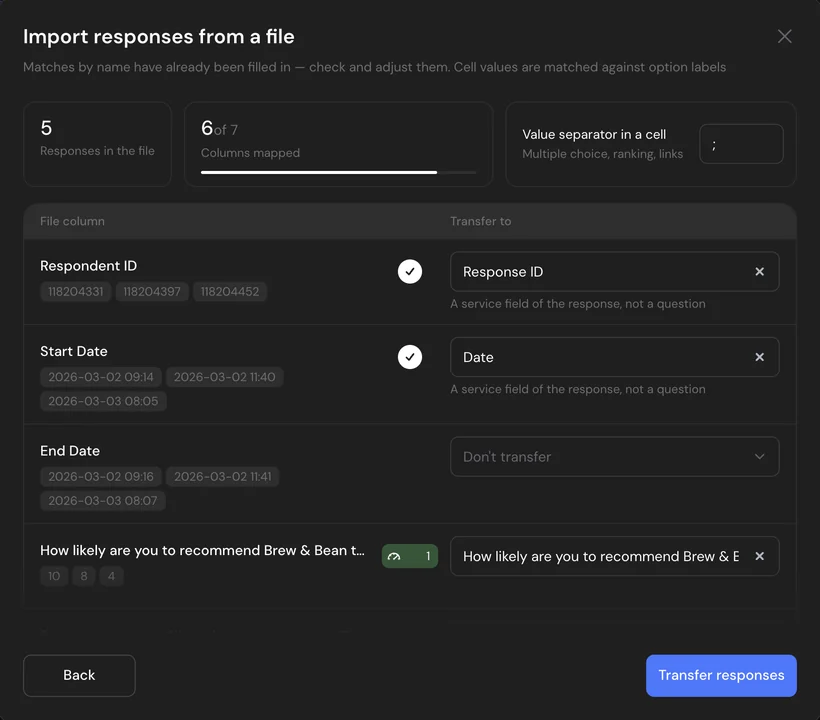
Upload a CSV or Excel export and columns match your questions by name. Map the date and the response ID, and your history lands in reports exactly as it was.

Uploading responses from a CSV file in SurveyNinja: file columns matched to questions, the response ID and the date

Switch without the stress

Your old survey keeps running

Importing only reads your form. Keep collecting in the old tool until the new survey is live, then swap the link.

No passwords shared

You connect Typeform or Google in their own sign-in window. SurveyNinja never sees your password.

Imported responses are on us

Responses you bring over don't count toward your monthly limit, so bringing your history doesn't eat into your plan.

Your dates stay right

Map the date column of an export and old responses keep their original dates, so period filters in reports cover them too.

Paying for another survey tool? Your first month of Premium is on us

Premium for a month, with 20,000 responses a month, every research tool and response transfer.

  1. Send us a screenshot of your latest bill
  2. We switch on Premium for a month
  3. We help you move your surveys

Why teams move to SurveyNinja

A lower price per response

100 responses a month are free, 1,000 cost $10.50/mo and 20,000 cost $48.30/mo, billed yearly. Many survey tools charge several times more for the same volume.

Research and UX tools on low plans

Click tests with heatmaps, pairwise comparison and area selection from Basic, map questions from Standard, A/B tests of question wording on every plan.

Surveys right on your website

Micro surveys open after a delay, on scroll, on a click or when a visitor is about to leave (desktop), targeted by page, device and visit frequency. On every plan, in beta.

Edit surveys on your phone or your laptop

The whole builder works on a phone: questions, logic, design, publishing and responses. Fix a question on the way to a meeting, check new answers from the couch and finish the survey on your laptop.

  • Every section and setting fits a small screen
  • Logic, design and publishing, not a cut-down view
  • Pick up on your laptop right where you left off
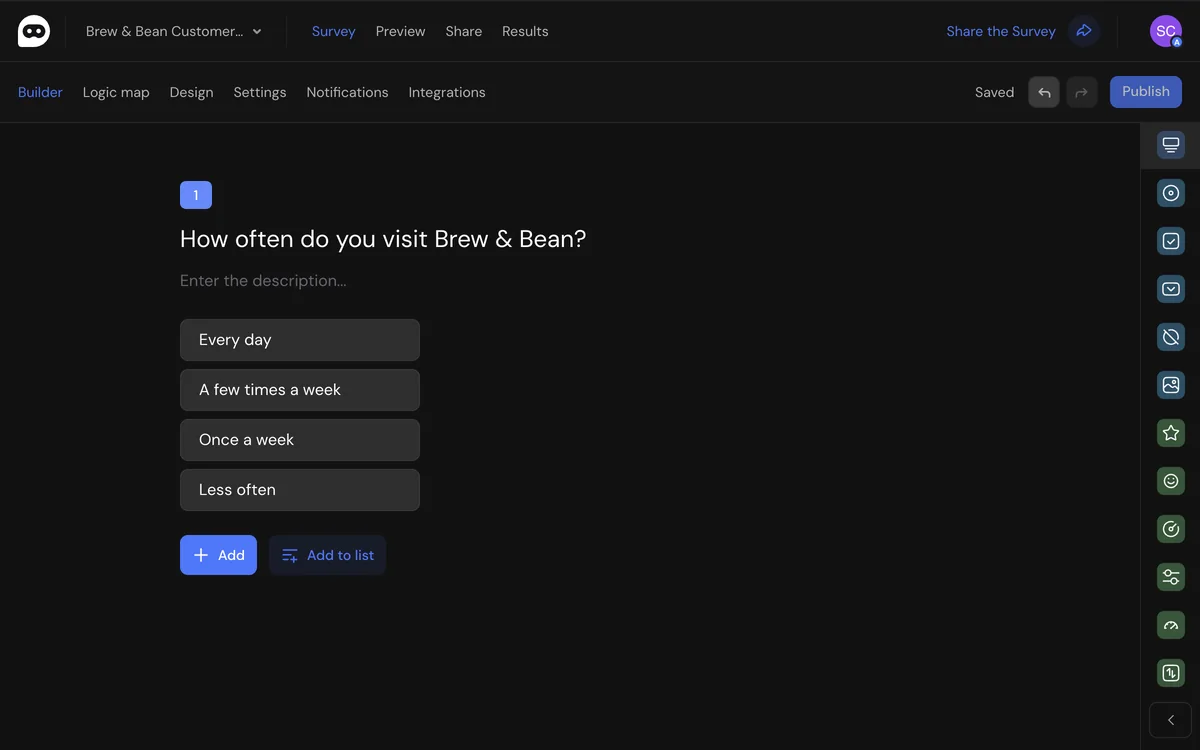
The SurveyNinja survey builder in a browser
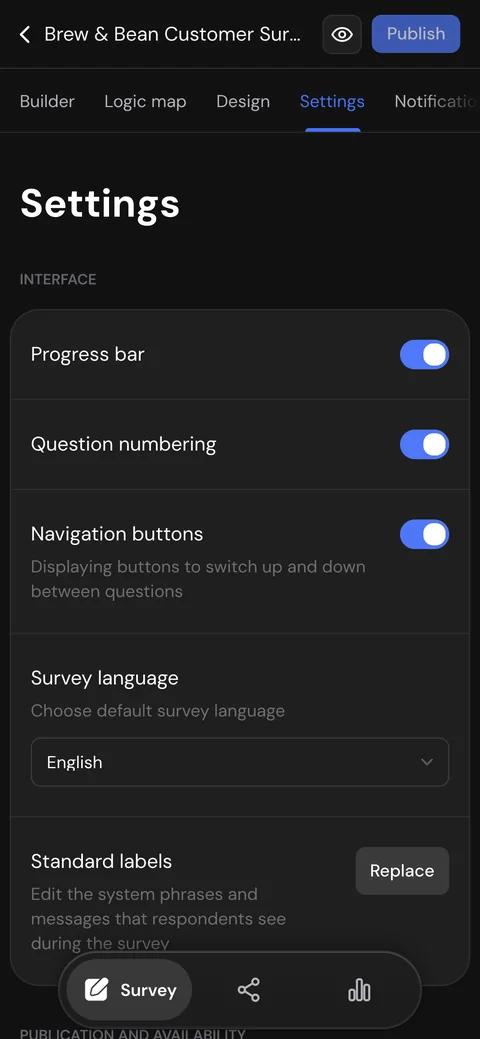
Survey settings in SurveyNinja on a phone

Questions about switching

Move your first survey today

Free plan with 100 responses a month and 14 days of Premium after sign-up. No card required.

Import my surveys free