 Secret Santa Questionnaire: 30 Questions to Send Before the Draw
Online form builder
An online form builder that sends every entry where it's needed.
Build sign-up, application and request forms with contact fields, file uploads and logic. Each submission lands in your inbox, a spreadsheet or your own system the moment it's sent.
Free plan: 50 forms and 100 submissions a month, email alerts included. What's free →
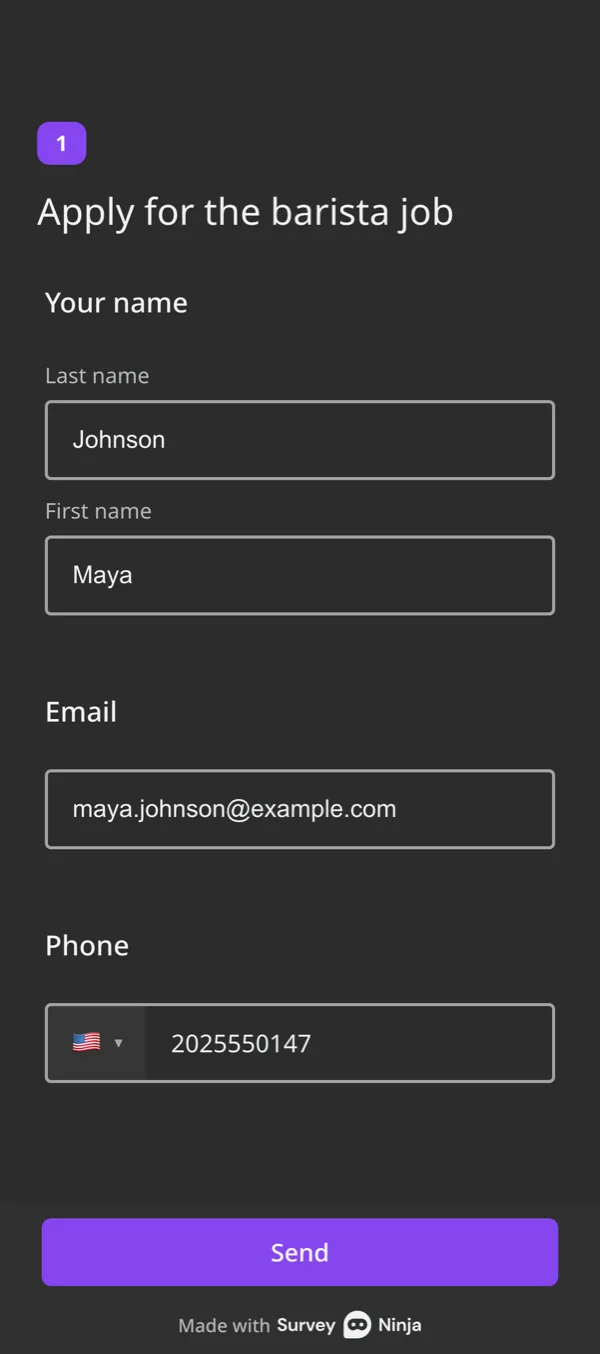
Every submission goes to
- Your inboxAn email for each entry, to 1–10 people.
- The person who sent itAn auto-reply with their answers. Basic.
- ZapierOn to your CRM and other apps. Basic.
- Google SheetsA new row for every entry. Basic.
- TelegramA message in your chat. Standard.
- WebhookThe answers as JSON to your URL. Basic.
- Contact fieldsName, email, phone and date.
- File uploadsCVs, photos and documents.
- Instant alertsEmail, Telegram or a webhook.
- LogicAsk only what applies.
The fields forms are made of.
Each one checks what people type, and any of them can be required.
- Full name Last and first name in separate boxes.
- Email Checks the address format.
- Phone A country code picker and a length check.
- Date and time A date, a time or both, in your format.
- Text One line or a long answer, with a length limit.
- Number Only digits, with a minimum and maximum. Basic.
- Dropdown A long list without a long page.
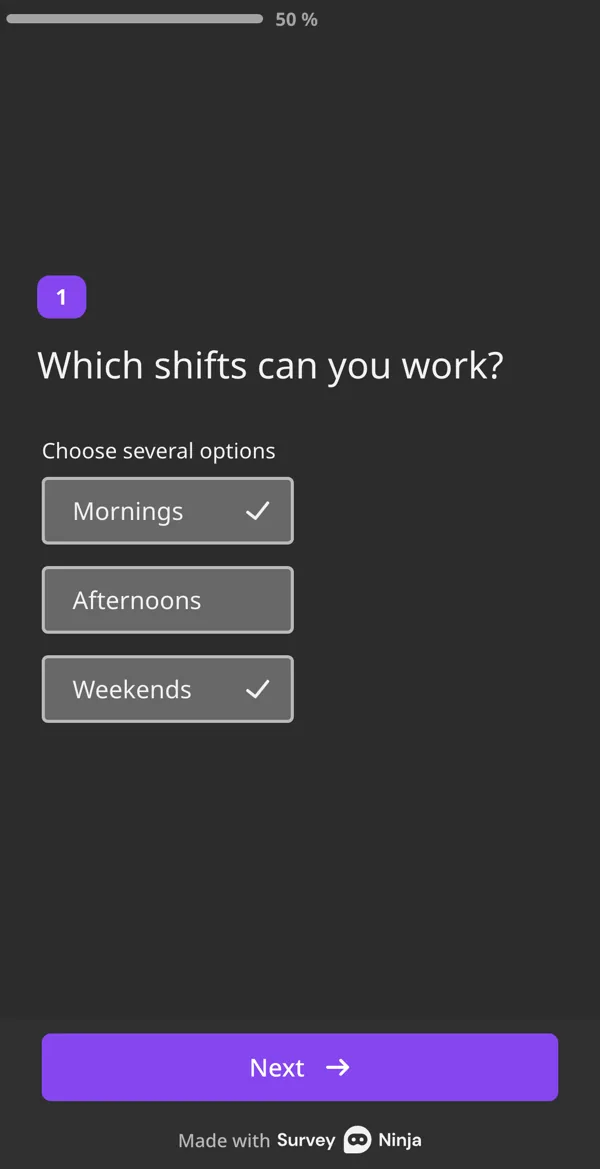
- Choice One or several options, with Other.
- Yes or no Two big buttons, easy to tap.
- File upload Up to 100, 300 or 500 MB per file by plan. Basic.
- Booking A free slot from your schedule. Basic.
- Rating Stars or emoji for feedback forms.
Forms people get to the end of.
A long form loses people. These settings keep it short and easy on a phone.
- Put several fields on one screen with a question group, or ask one at a time.
- Logic skips the fields that don't apply to this person.
- A progress bar shows how much is left.
- Progress is saved in the browser, so people can close the form and come back.
- Required fields and format checks catch typos before the form is sent.
Every submission in one table.
Open any response in full, filter them and download them as Excel, CSV or SPSS. Files people uploaded are next to their answers.
- Filters by answer, date and tag. Basic.
- Hidden fields record where the person came from, such as the UTM tags of the link. Basic.
- Unfinished forms are kept too, so you see where people stop. Standard.

Start from a ready form.
Open a template, change the fields and share it.
What's free, and what comes next.
Forms with contact fields and email alerts are free. Paid plans add file uploads and integrations.
| What you get | Free | Basic | Standard | Premium |
|---|---|---|---|---|
| Price | $0 | $10.50/mo | $25.90/mo | $48.30/mo |
| Submissions a month | 100 | 1,000 | 5,000 | 20,000 |
| Forms | 50 | 100 | 500 | Unlimited |
| Fields per form | 30 | 50 | 100 | Unlimited |
| Name, email, phone, date, text, choice fields | Yes | Yes | Yes | Yes |
| Number field | No | Yes | Yes | Yes |
| File upload, per file | No | 100 MB | 300 MB | 500 MB |
| People who get email alerts | 1 | 3 | 5 | 10 |
| Auto-reply to the sender | No | Yes | Yes | Yes |
| Google Sheets, webhooks, hidden fields | No | Yes | Yes | Yes |
| Telegram, consent checkbox | No | No | Yes | Yes |
| Without SurveyNinja branding | No | No | Yes | Yes |
Prices per month, billed yearly, in USD. All plans and prices →
More ways to ask.
Already paying for a form builder?
Send us a screenshot of your invoice and get a month of Premium free. Our team also helps you move your forms to SurveyNinja.
Questions and answers
Is the form builder free?
Yes. The Free plan includes 50 forms, 100 submissions a month and up to 30 fields per form, with name, email, phone, date, text and choice fields and an email alert for every entry. No credit card. Number and file fields come with Basic.
How do I get notified about new submissions?
Every plan sends you an email for each entry: to 1 person on Free, 3 on Basic, 5 on Standard and 10 on Premium. From Basic, entries can also go to Google Sheets or a webhook, and from Standard to a Telegram chat.
Can people upload files?
Yes, from the Basic plan. You choose the formats, such as documents, images or archives. One file can be up to 100 MB on Basic, 300 MB on Standard and 500 MB on Premium.
Can I put a form on my website?
Yes, on every plan: as a frame inside the page, a pop-up, a side widget or a button. You can also share a link or a QR code.
Can the form send an email to the person who filled it in?
Yes, from the Basic plan. The auto-reply goes to the address from the Email field and can include their answers. On Premium, emails can go out through your own mail server.
How do I stop spam submissions?
Turn on the captcha in the form settings, limit people to one submission by cookie or IP address, or protect the form with a password. All three work on every plan.
What is the difference between a form and a survey in SurveyNinja?
None in the builder: a form is a survey made of contact and text fields. The difference is what you do with the answers. A form sends each entry on to a person or a system, a survey is read as a whole in the report.
Can people book a time slot in a form?
Yes. The Booking field shows the free slots of your schedule, and the booking is made when the form is sent. It comes with the Basic plan.
Didn't find the answer? Write to team@surveyninja.io or use the contact page.

Your form can take its first entry today.
Start free with email alerts, and add file uploads and integrations when you need them.