 25 Questions for a Construction Customer Satisfaction Survey
 Survey reports
Your answers, already counted. Charts, filters and exports in one place.
Every choice and rating question gets its own chart as soon as answers arrive. Filter by any answer, read each response and export the data for Excel or SPSS.
Reports come with every plan. Filters, exports and public links start with Basic.

- Charts for closed questionsCounts, percentages, averages.
- Filters by any answerAnd saved filters, from Basic.
- Export to SPSSAlso CSV and Excel, from Basic.
- A link to the reportNo sign-in, from Basic.
Collecting answers is easy. Reading them is the work. SurveyNinja counts every question for you, so you can go straight to what the answers mean.
A chart for every closed question.
Choices show counts and percentages, ratings add the average, median and standard deviation. Switch a card between a list, columns or a table.
- Completed and disqualified responses on separate tabs.
- Incomplete responses, saved after every question, on Premium.
- Sort the cards and switch between counts and percentages.
- Download the report as a PDF or a Word document, from Basic.
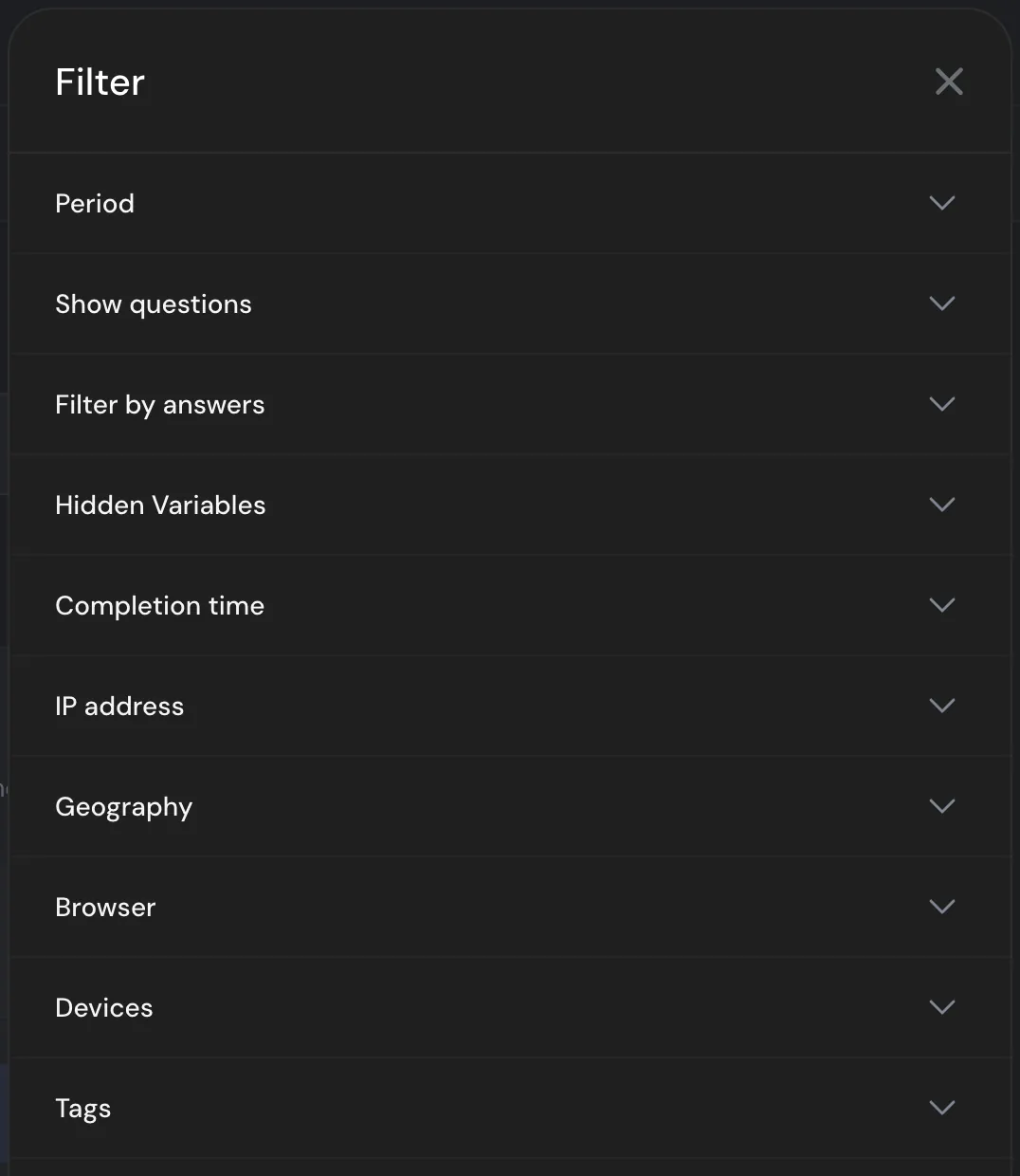
Filter by any answer.
See only the people who gave a low rating, answered last week or used a phone, and compare what they said.
- Period, answers, hidden variables and completion time.
- Geography, browser and device.
- Tags you add to responses, on every plan.
- Saved filters to reopen in one click, from Basic.
Every response, one by one.
Open any response to see all its answers, the time it took and the tags you added. Exclude a response from the report or delete it.

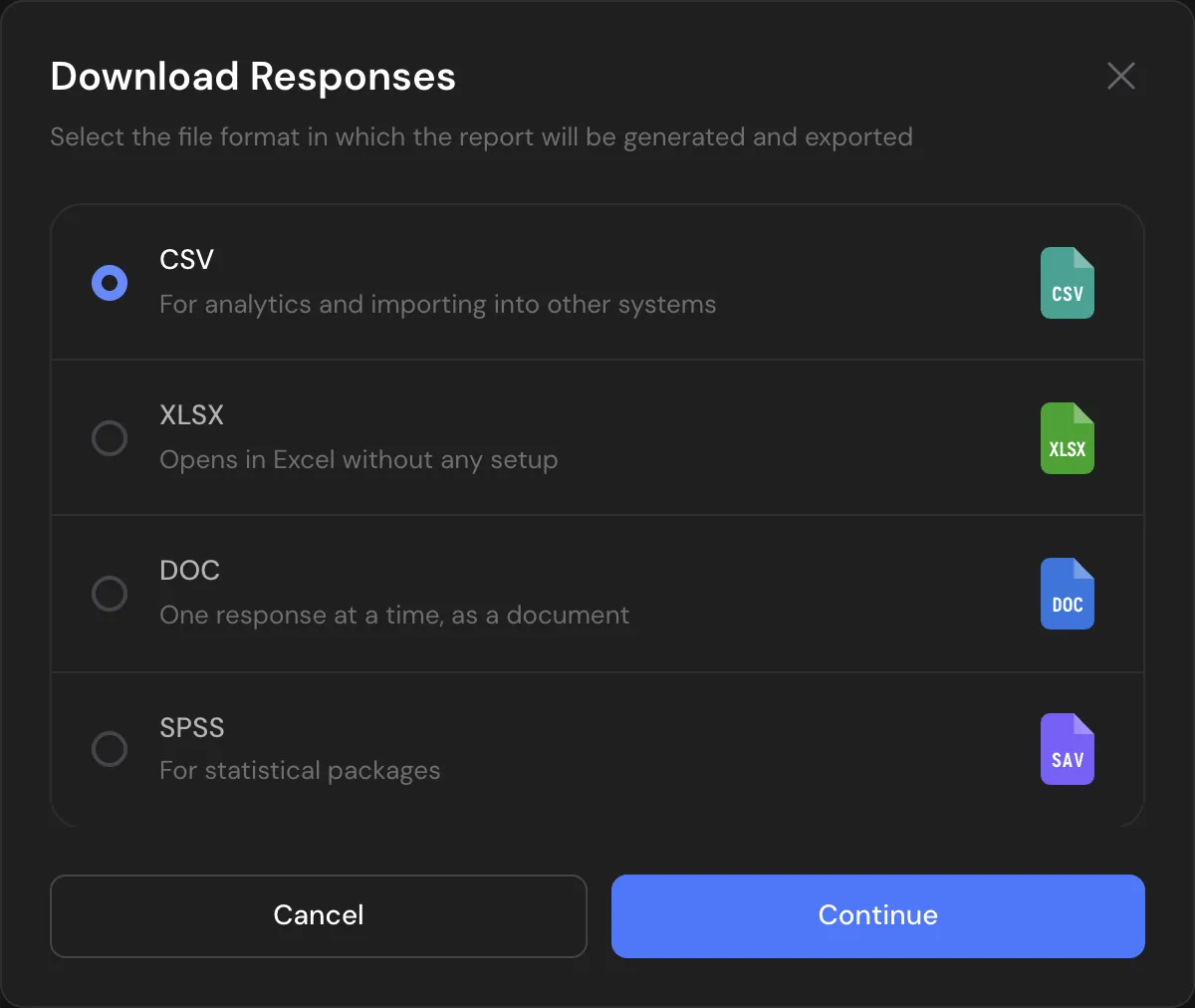
Your data, in the format you work in.
Export responses to CSV, Excel or SPSS and the report to PDF or Word. Open the data in the tool you already use for statistics.
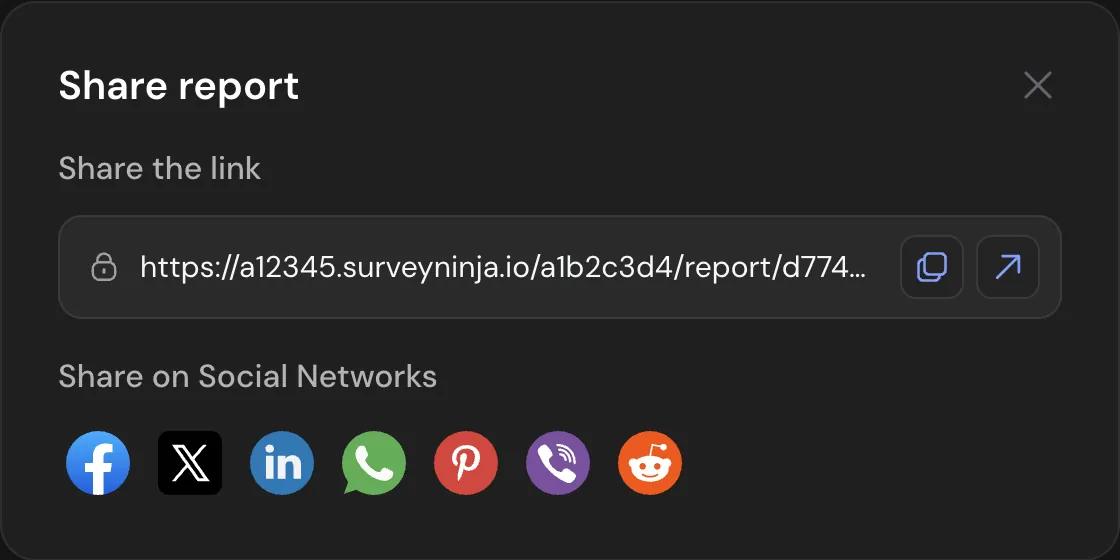
Share the report by link.
Send a link to the report, the summary or the responses. Viewers don't need an account.
Reports made for each question type.
- NPSPromoters, passives, detractors and the score, on every plan.
- Quiz scoresPoints, right answers and scores by category.
- HeatmapsWhere people clicked on your image, for click tests.
- Paired comparisonThe ranking of options from head-to-head choices.
- MapThe places people marked, on a map.
- AI reportThemes, sentiment and quotes from open answers, on Premium.

Already paying for a survey tool?
Send us a screenshot of your invoice and get a month of Premium free. Our team also helps you move your surveys to SurveyNinja.
Questions and answers
What does a survey report show?
A card for every question with the number of answers, percentages and, for ratings, the average, median and standard deviation. Above the cards, tabs split completed and disqualified responses.
Can I export survey data to SPSS?
Yes. From the Basic plan, responses export to SPSS (.sav), Excel (XLSX) and CSV, and the report to PDF and Word.
Are there crosstabs?
No. Use filters to compare groups in the report, or export the data to SPSS or Excel for crosstabs.
Can I share results with people who don't have an account?
Yes. From the Basic plan, send a public link to the report, the summary or the responses. Viewers don't sign in, and the link has no password or expiry date.
Which plans include reports?
Every plan, including Free, has the report and responses. Filters, exports and public links come with Basic, incomplete responses and the AI report with Premium.
When do new answers appear in the report?
As soon as a response is sent, it is counted in the report.
Didn't find the answer? Write to [email protected] or use the contact page.

See your first report today.
Create a survey on the Free plan and watch the report fill in with every answer.