 Google Forms Limits: Responses, File Uploads, Timers and Logic, With Workarounds
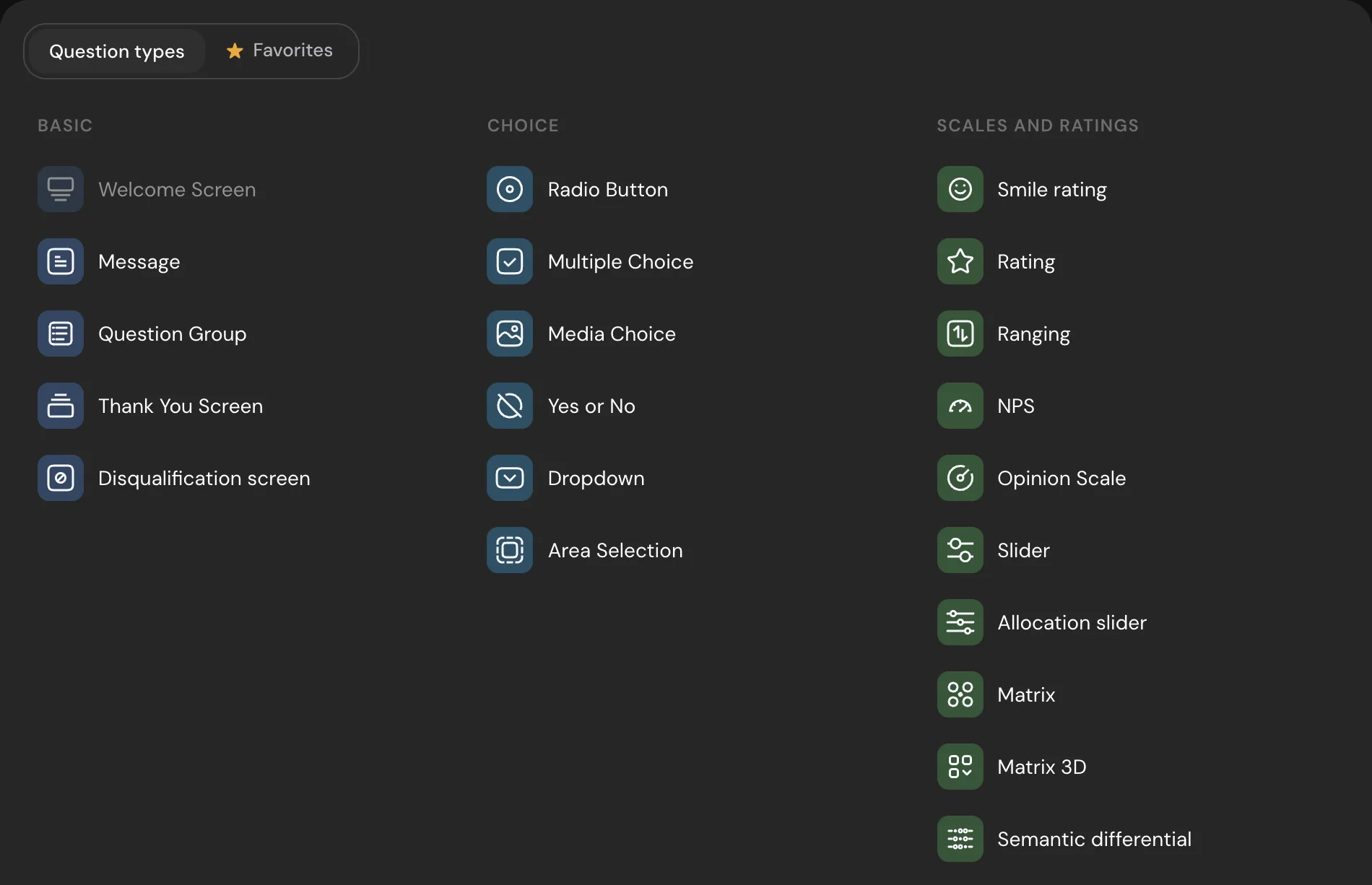
Question types
36 question types for every survey, quiz and form.
From a quick yes or no to a click test with a heatmap and answers recorded on camera. See how each type looks to respondents, what it is good for and which plan it comes with.
Free plan: 18 question types, 50 surveys and 100 responses a month. What's free →
- 18 types freeNPS among them.
- Research typesMatrix, pairs, click test.
- Voice and videoRecorded right in the survey.
- Logic on every planBranch on the answers.
All question types, the way respondents see them.
30 types collect answers. Six more build the survey around them: screens, messages, groups and an HTML block.
Choice
-
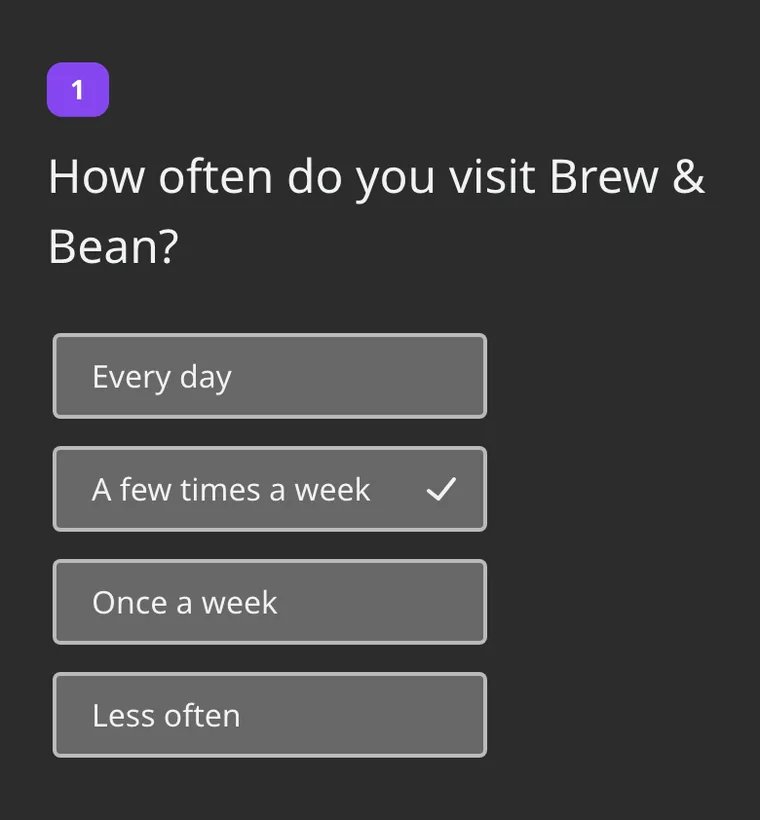
Radio Button
FreePick one answer from a list.
Good for: Segments, preferences, any question with one right answer.
-
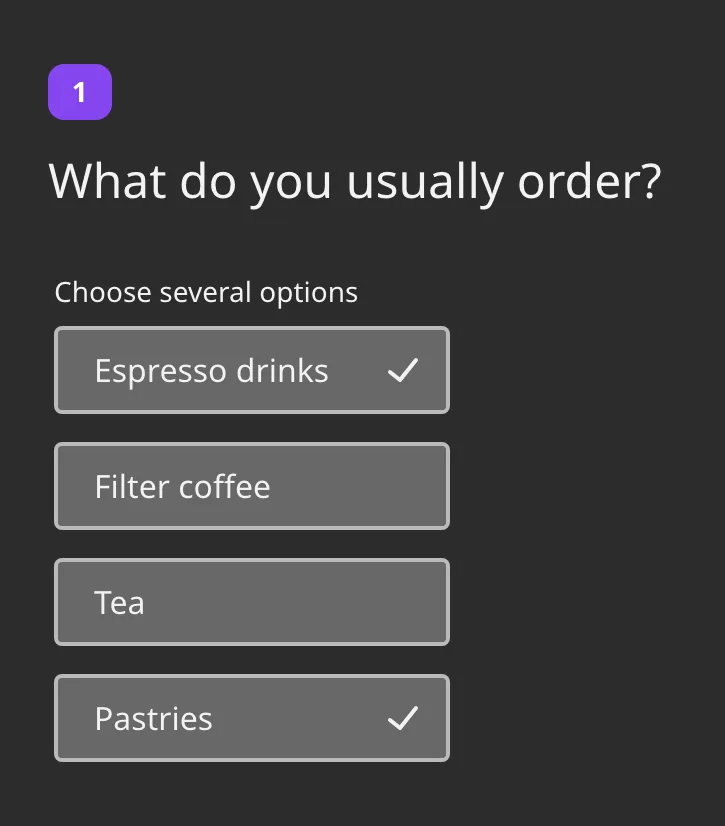
Multiple Choice
FreePick several answers, with a minimum and maximum if you need them.
Good for: Features people use, channels, reasons.
-
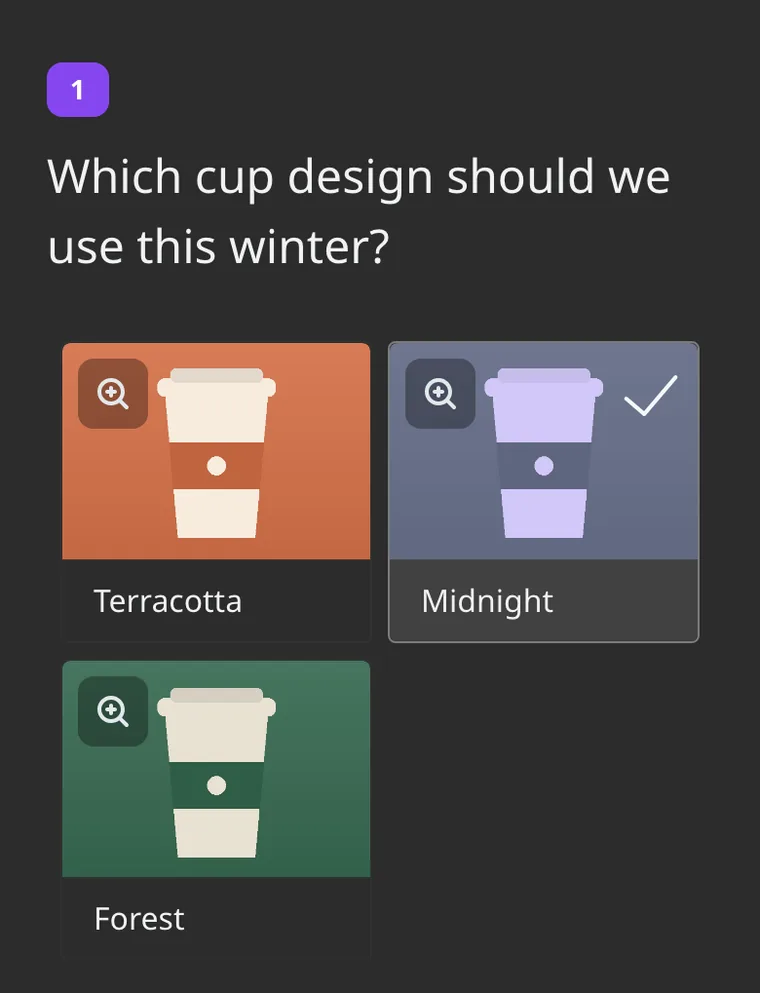
Media Choice
From BasicAnswer options shown as pictures.
Good for: Packaging, designs, product photos.
-
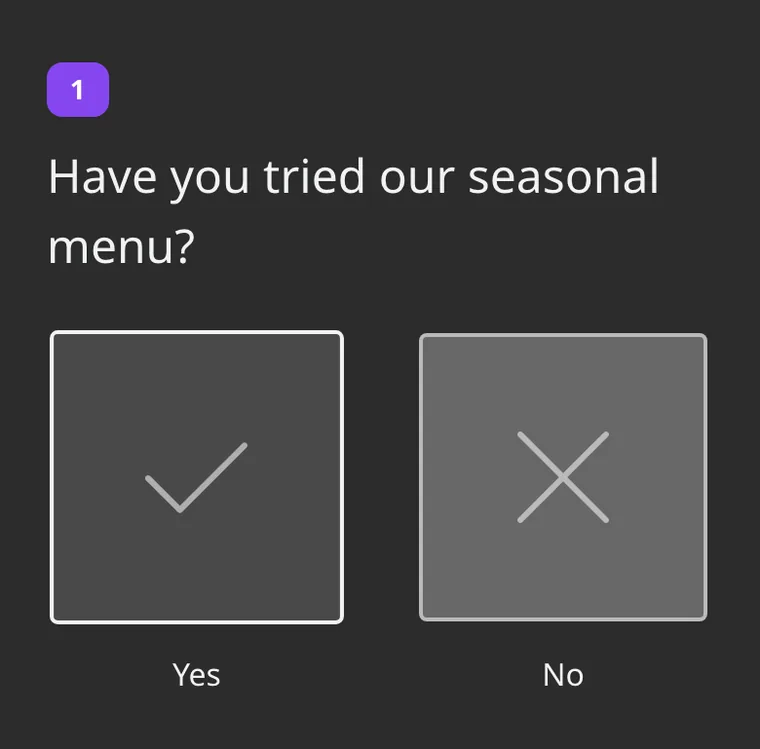
Yes or No
FreeA quick yes or no with icons.
Good for: Screening, consent, quick checks.
-
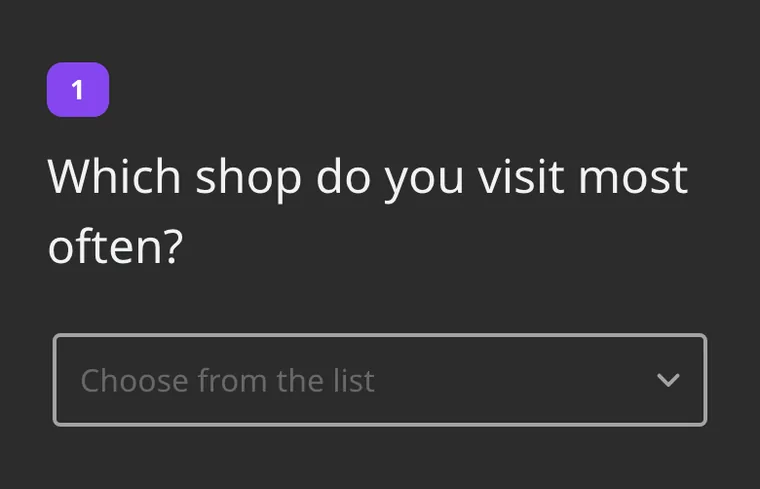
Dropdown
FreeA long list in a compact menu.
Good for: Countries, departments, product models.
Ratings and scales
-
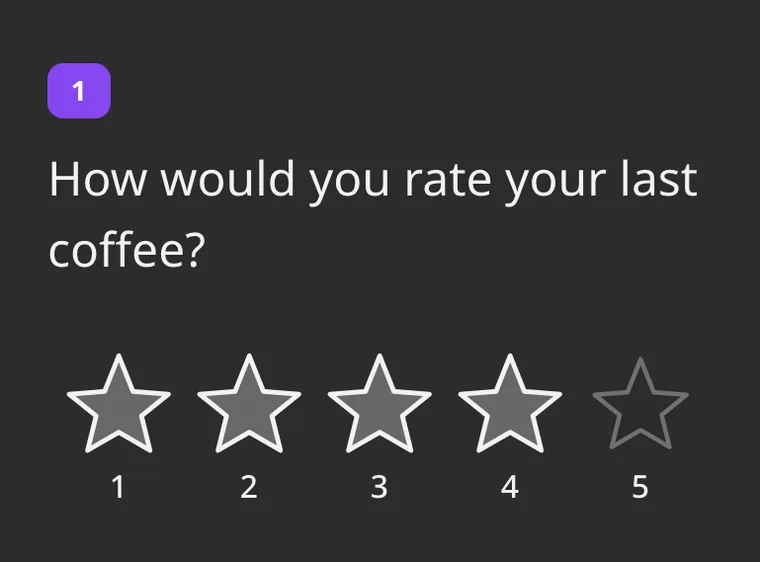
Rating
FreeStars or other icons.
Good for: Product, service and content ratings.
-
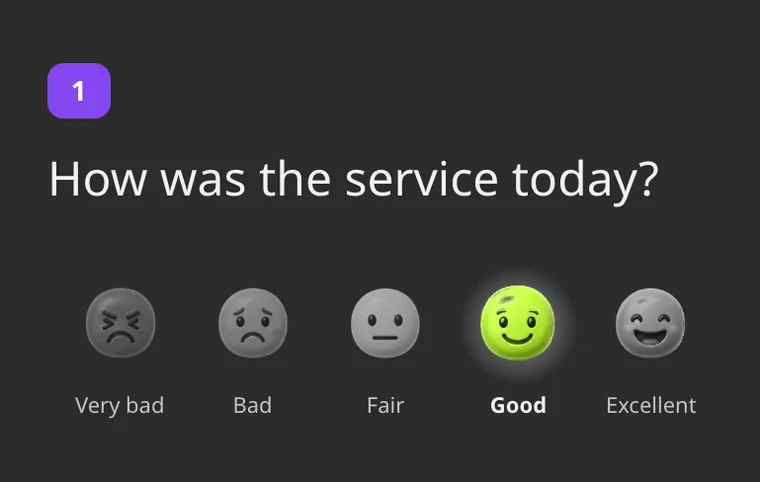
Smile rating
FreeFaces from sad to happy, with a follow-up question for low scores.
Good for: CSAT after a purchase, a visit or a support chat.
-
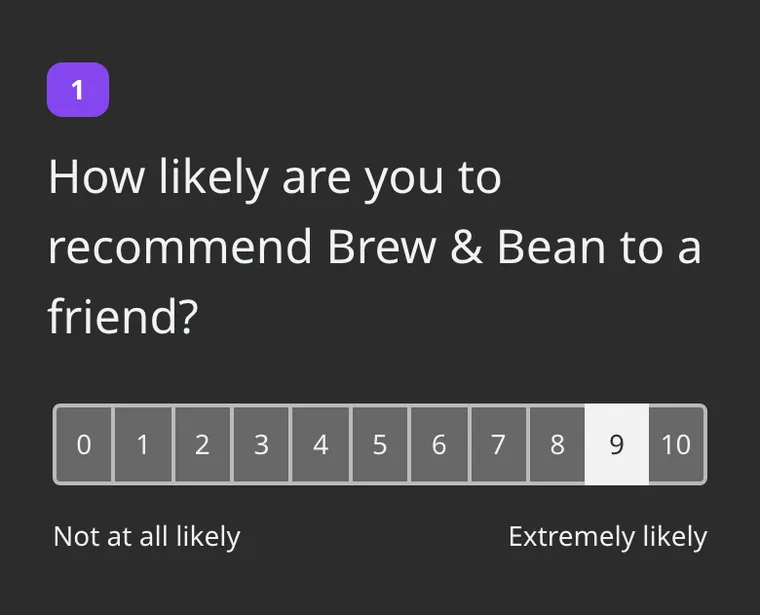
NPS
Free0 to 10, with the NPS score counted in the report.
Good for: Customer and employee loyalty.
Learn more → -
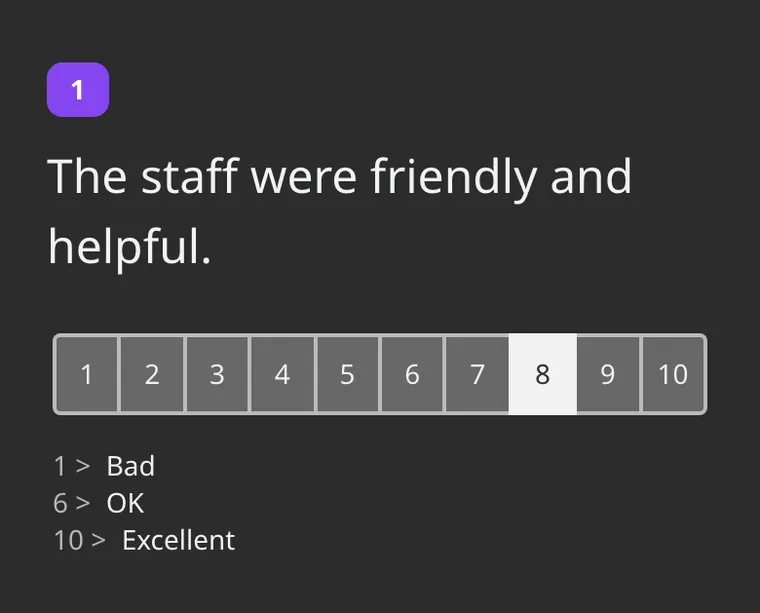
Opinion Scale
FreeA numbered scale with labels at the ends.
Good for: Likert-style agreement, effort and ease.
-
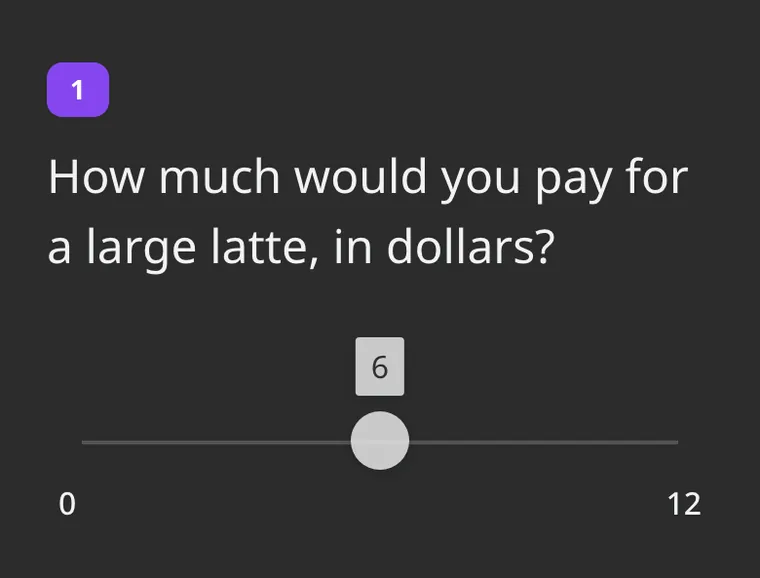
Slider
FreeAny number on a range.
Good for: Percentages, budgets, how much or how often.
-
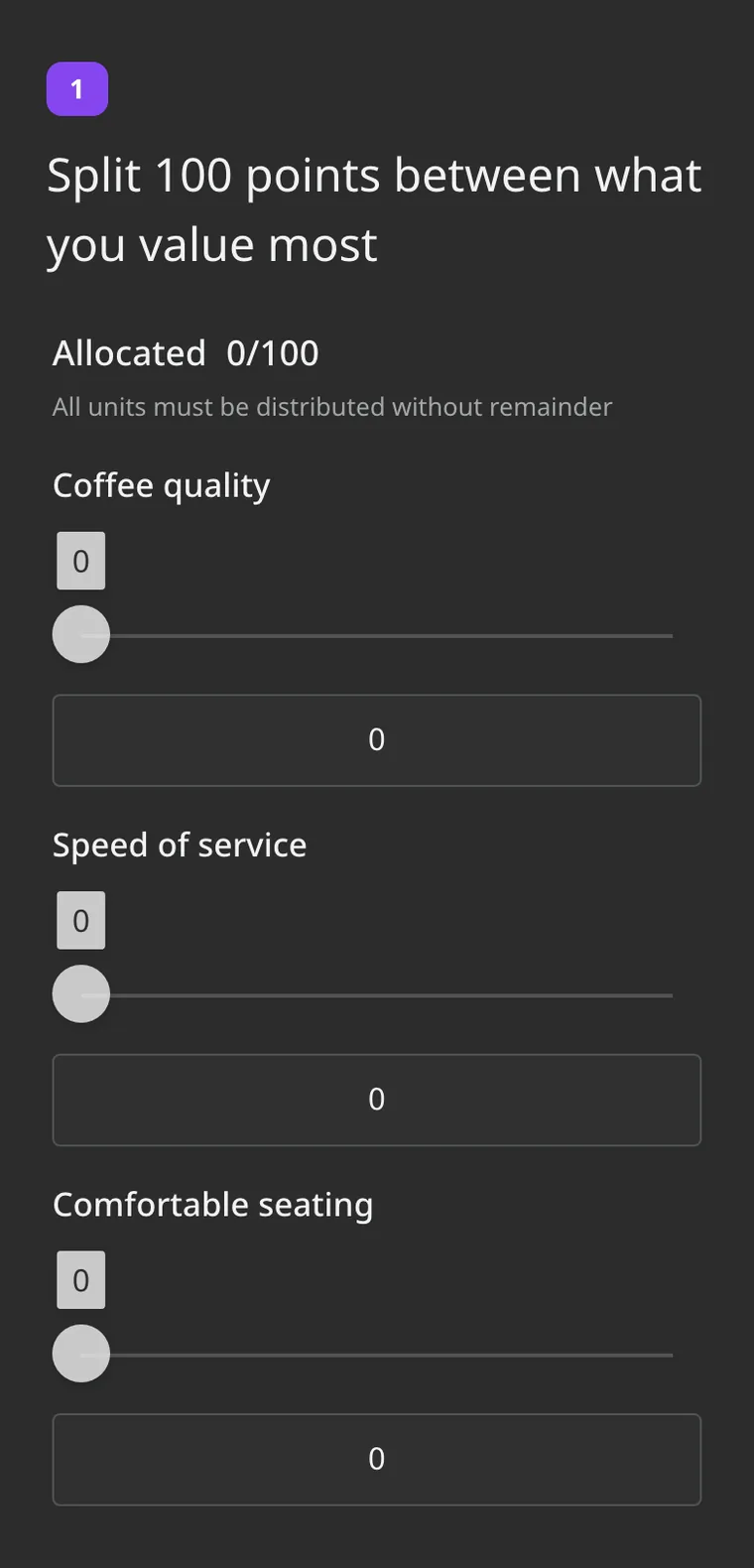
Allocation slider
From BasicSplit a budget of points between the options.
Good for: What matters most when everything matters.
Ranking and matrices
-
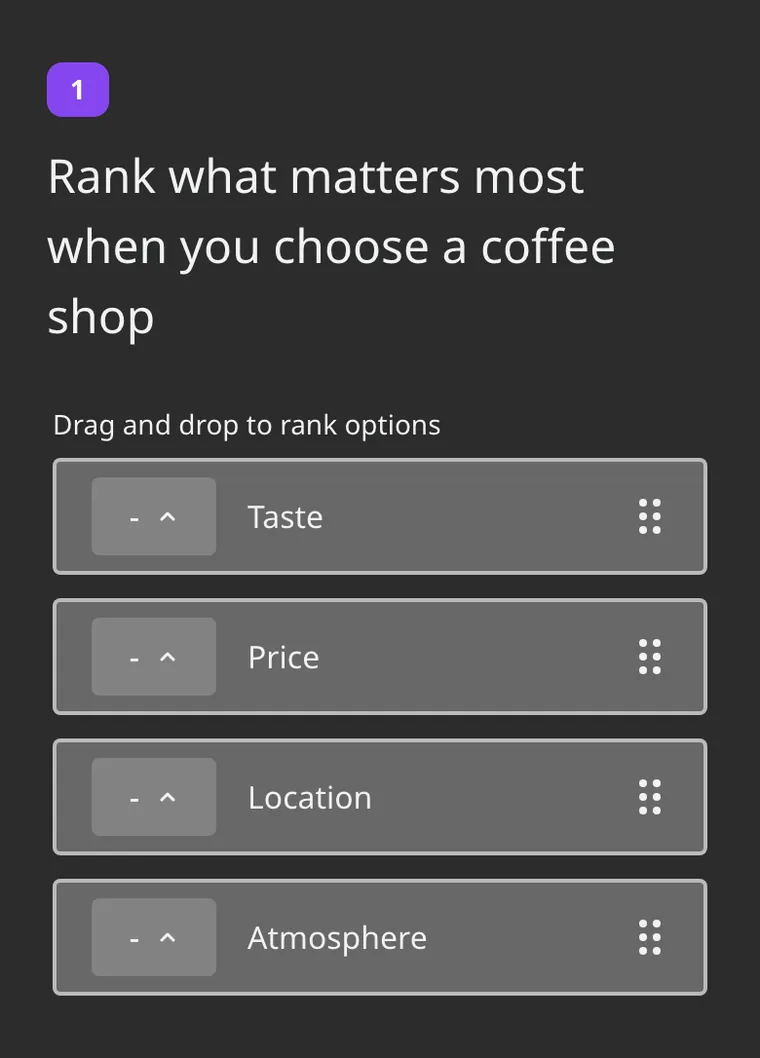
Ranking
FreeDrag the options into order.
Good for: Priorities, roadmap votes, favorites.
-
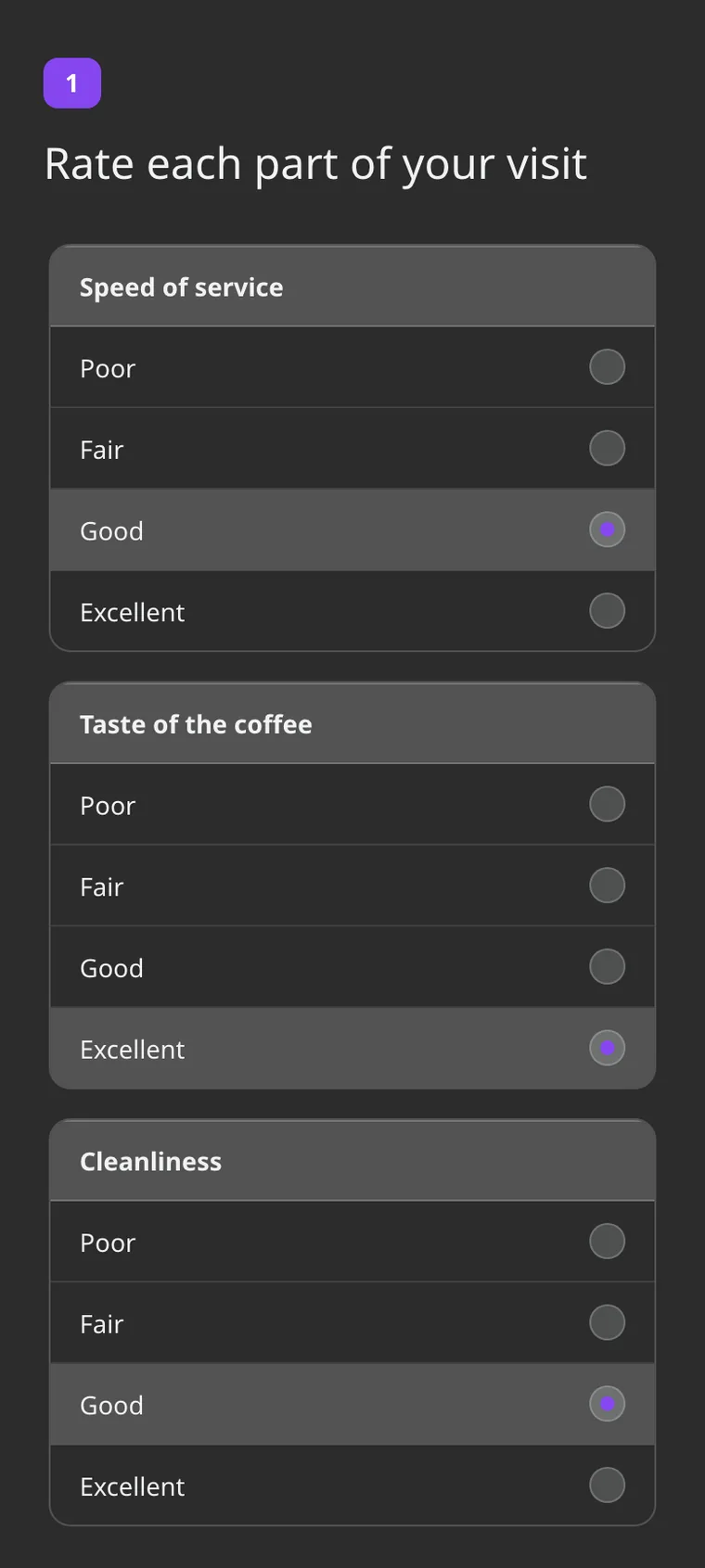
Matrix
From BasicRate several items on one scale.
Good for: Rate many aspects in one compact question.
-
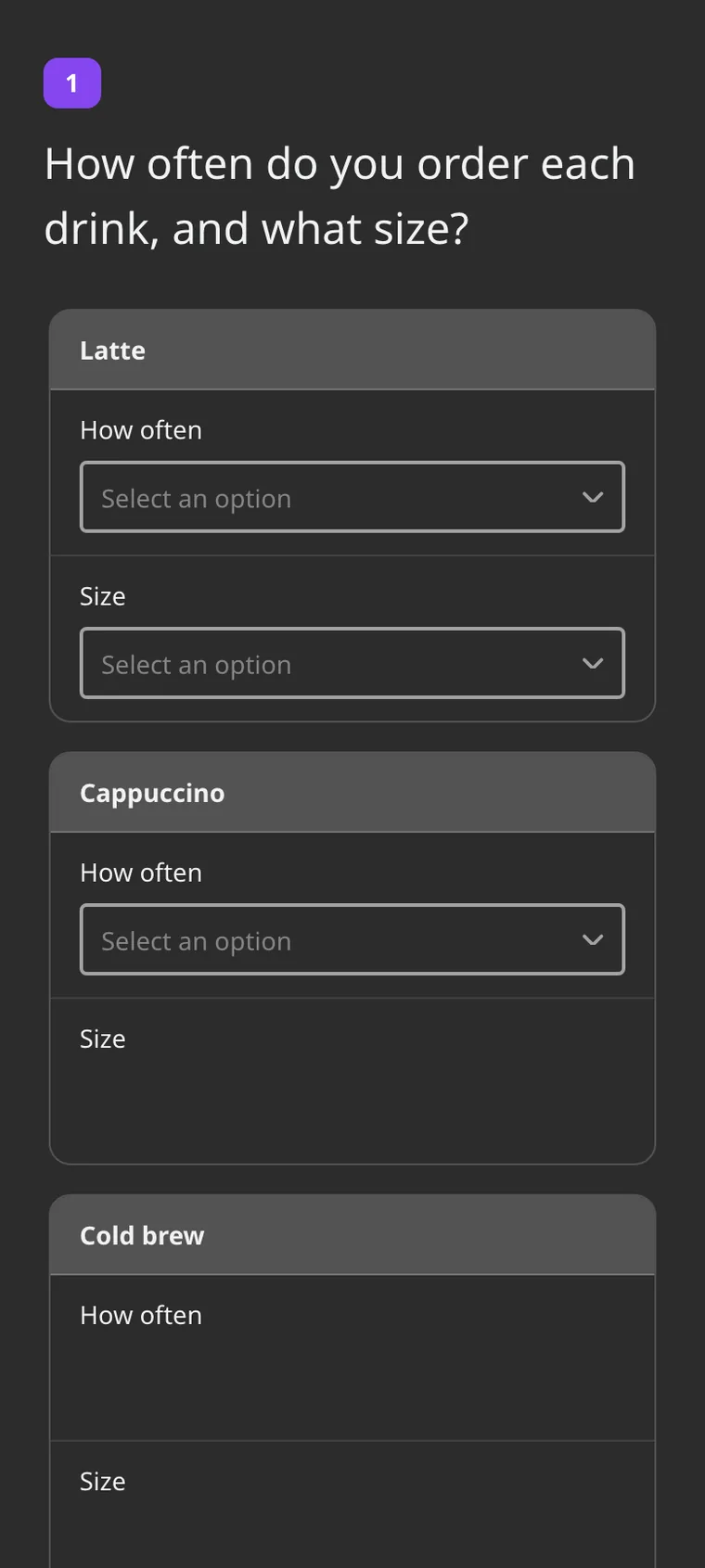
Matrix 3D
From BasicA table with its own list of answers in each column.
Good for: Several questions about the same list of items.
-
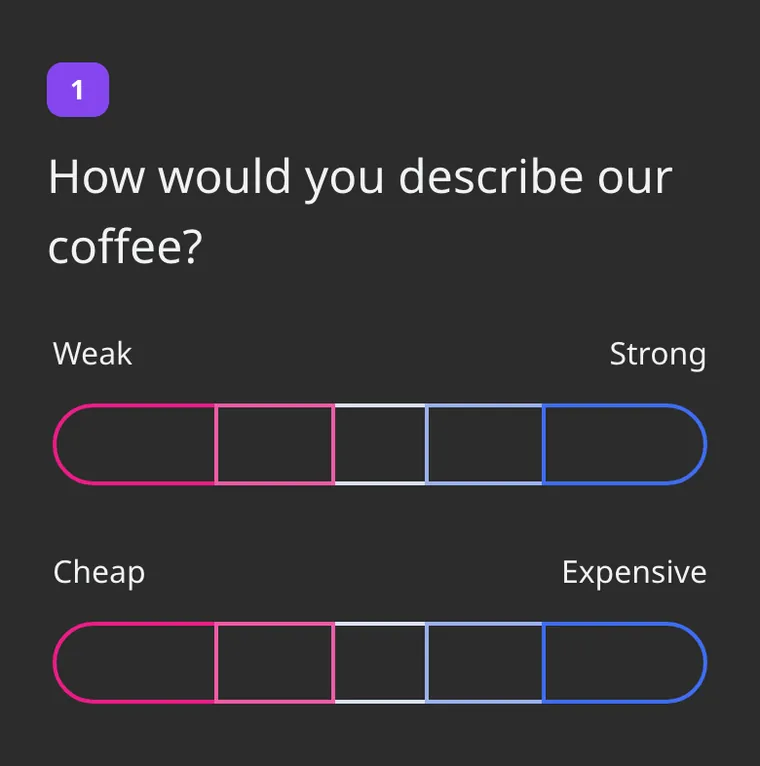
Semantic differential
From BasicPlace an opinion between two opposites.
Good for: Brand image, tone, product perception.
Research and UX
-
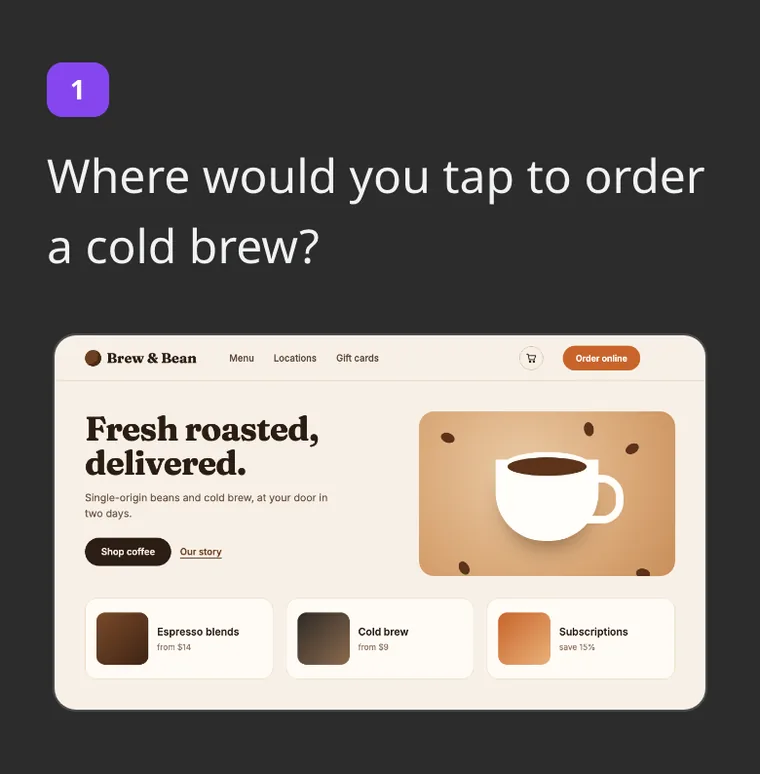
Click Test
From BasicWhere people click on an image, shown as a heatmap.
Good for: Where people click on a page, an ad or a screen design.
Learn more → -
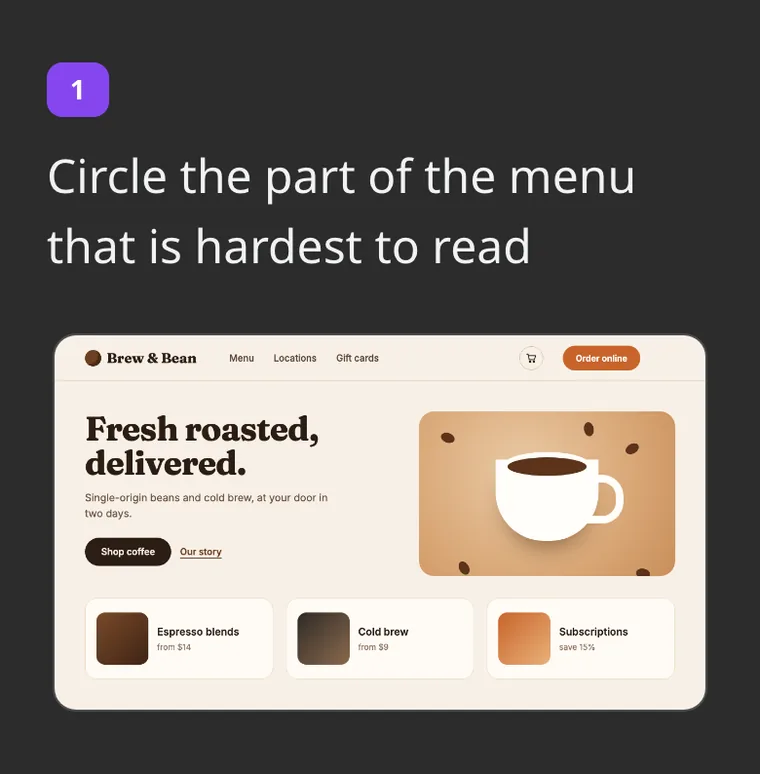
Hotspot Selection
From BasicPeople outline the parts of an image they notice.
Good for: What stands out on a layout or a shelf.
-
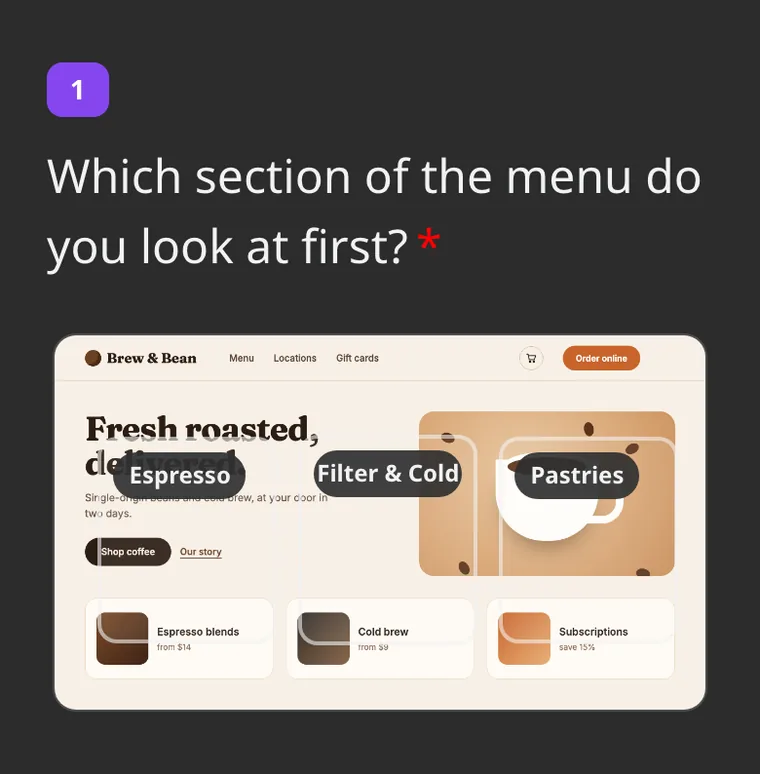
Area Selection
From BasicZones of an image work as answer options.
Good for: Pick a seat, a room, a part of a product.
-
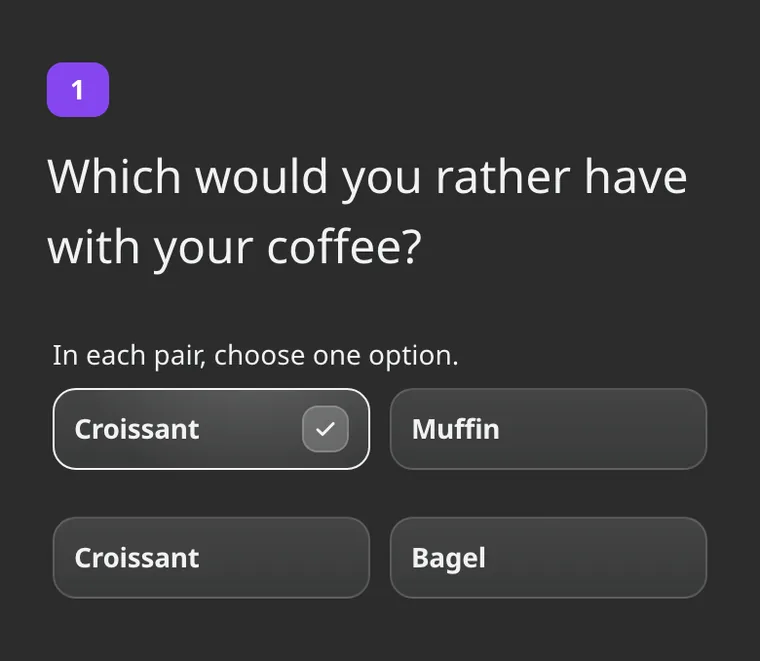
Paired Comparison
From BasicTwo options at a time, until the favorite wins.
Good for: Names, slogans, concepts, features to build.
-
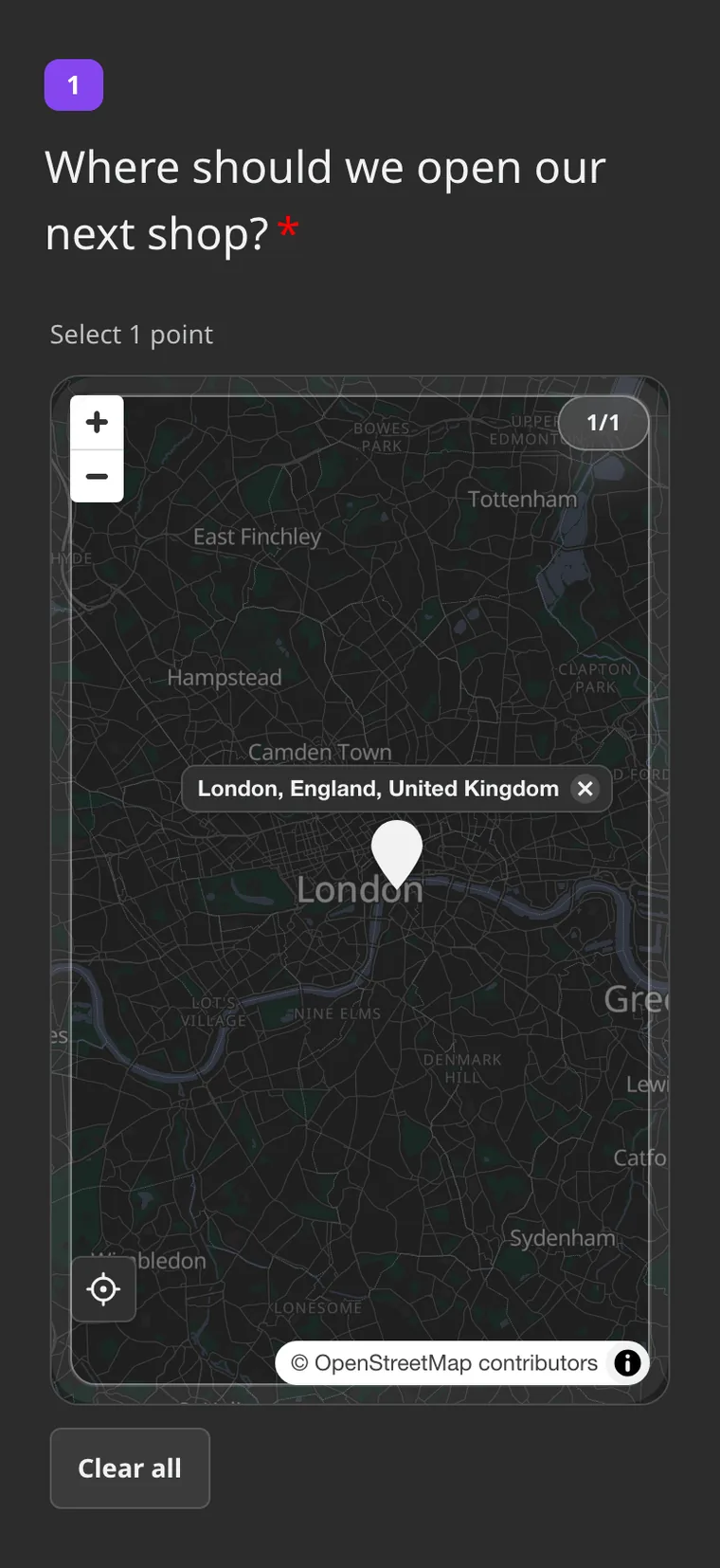
Map
From StandardPins on a map, with the places in the report.
Good for: Where to open a store, where people live or work.
Open answers, voice and video
-
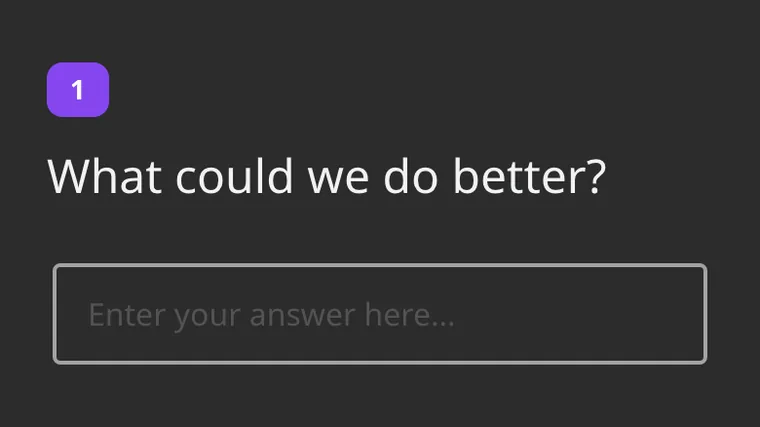
Enter Text
FreeShort or long written answers.
Good for: Why, what to change, anything in their own words.
-
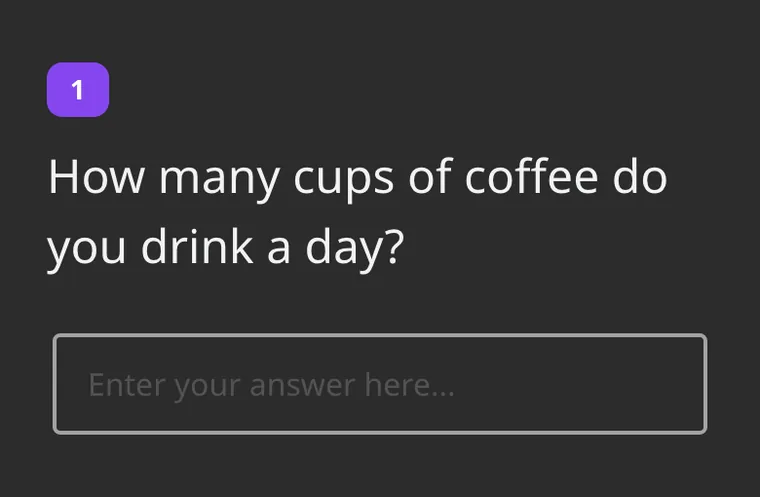
Numerical Response
From BasicA number within the limits you set.
Good for: Age, team size, how many times.
-
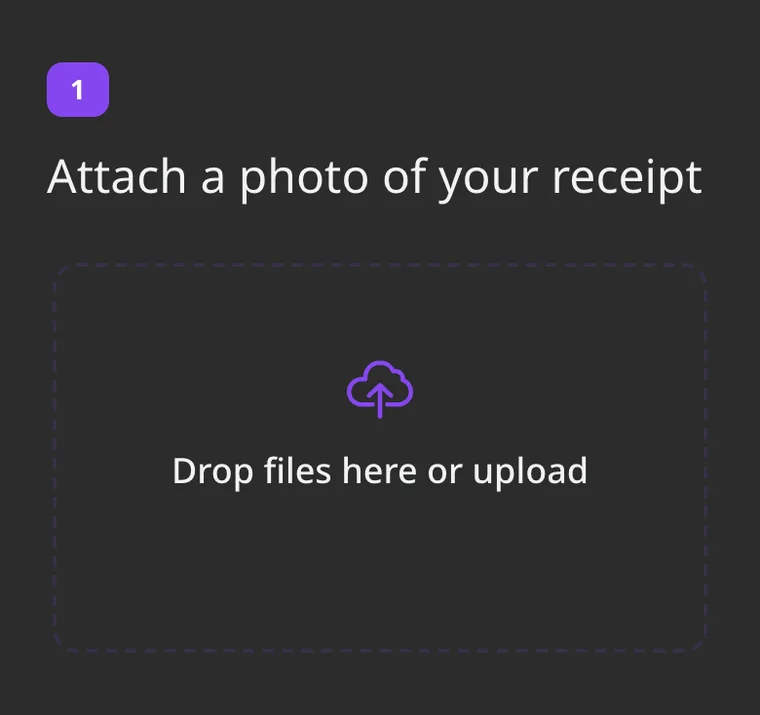
File Upload
From BasicFiles and photos people attach.
Good for: Receipts, CVs, photos of a problem.
-
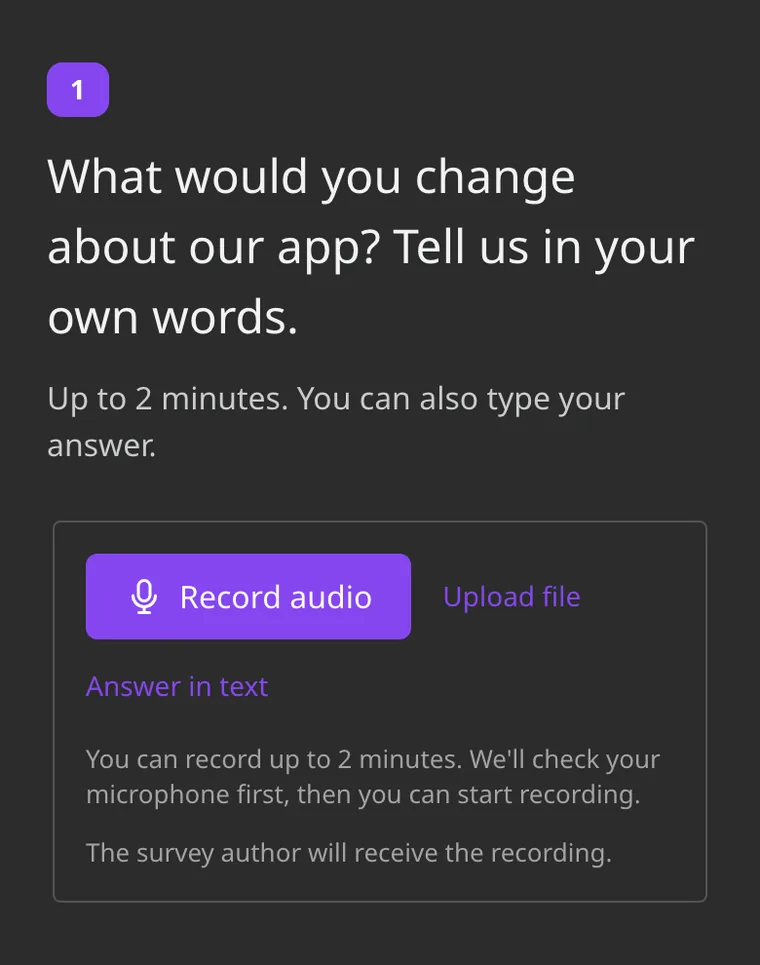
Audio response
PremiumA voice answer recorded in the survey, an uploaded file or text, with a transcript in English, Spanish or Portuguese.
Good for: Feedback people would rather say than type.
Learn more → -
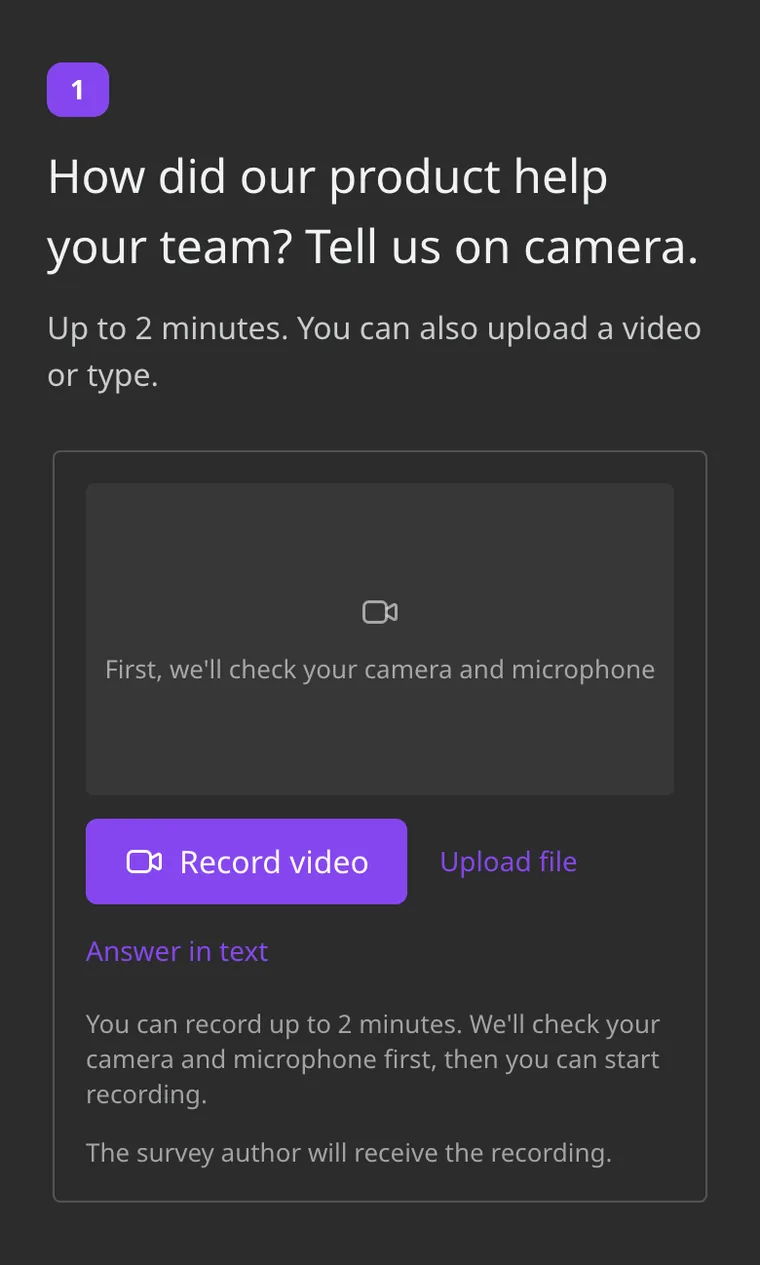
Video response
PremiumA video answer from the camera, an uploaded video or text, with a transcript in English, Spanish or Portuguese.
Good for: Testimonials, interviews, show-me answers.
Learn more →
Contacts and booking
-
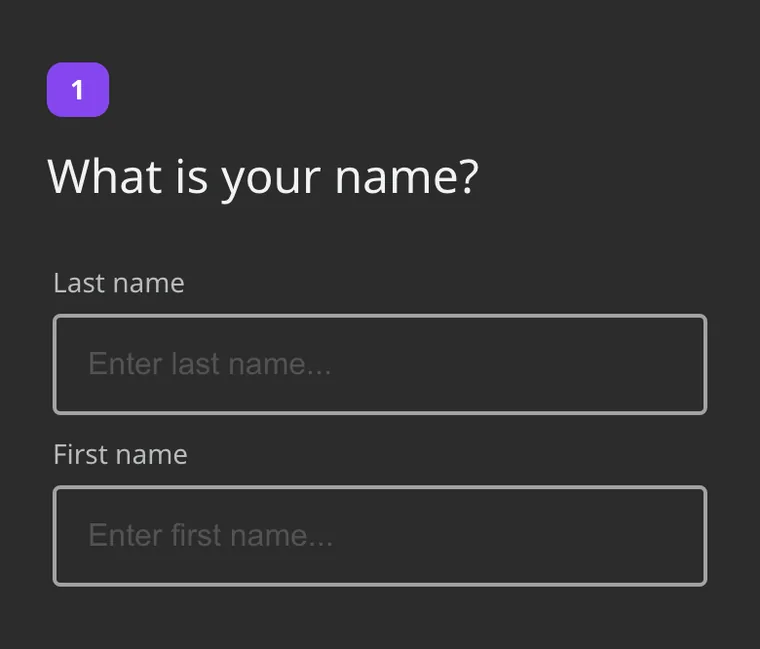
Full name
FreeFirst and last name in separate fields.
Good for: Registrations, applications, leads.
-
Email
FreeAn email address.
Good for: Follow-ups, results by email, leads.
-
Phone Number
FreeA phone number with the country code.
Good for: Call-backs and deliveries.
-
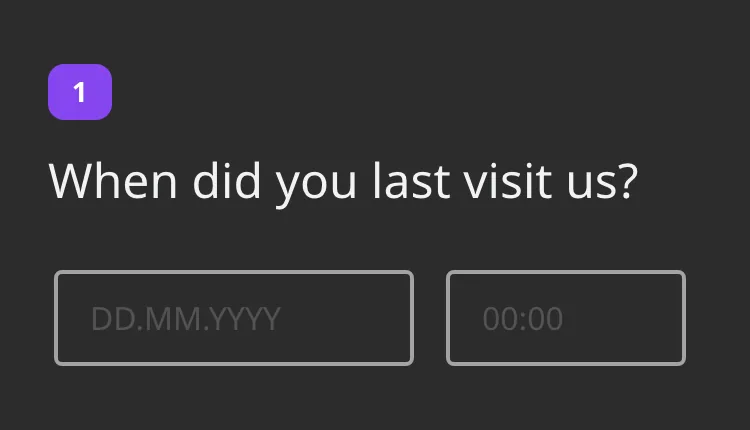
Date and Time
FreeA date, a time or both.
Good for: Visit dates, birthdays, preferred times.
-
Booking
From BasicA free time slot from your schedule.
Good for: Appointments, demos, consultations.
Learn more →
Screens and blocks
-
Welcome Screen
From BasicThe first screen: what the survey is about and how long it takes.
Good for: Setting expectations before question one.
-
Message
FreeA text, image or video between questions.
Good for: Instructions, context, a break in a long survey.
-
Question Group
FreeSeveral questions on one page.
Good for: Contact forms and short related questions.
-
Thank You Screen
From BasicThe last screen, with your text or a quiz result.
Good for: Quiz results, next steps, a promo code.
-
Disqualification screen
FreeEnds the survey for people who don't fit.
Good for: Panels and research with a target audience.
-
HTML Code
From StandardYour own HTML inside the survey.
Good for: Embeds and custom layouts.
Which question type to use.
Start from what you want to learn, and the type follows.
| You want to learn | Use |
|---|---|
| How loyal customers or employees are | NPS |
| How happy people were with one experience | Smile rating, Rating |
| How much people agree with a statement | Opinion Scale, Matrix |
| What matters most to them | Ranking, Allocation slider, Paired Comparison |
| How they see your brand | Semantic differential |
| Where people look and click | Click Test, Hotspot Selection |
| Why, in their own words | Enter Text, Audio response, Video response |
| Who they are and how to reach them | Full name, Email, Phone Number |
| When they can meet you | Booking |
Which types come with each plan.
The Free plan has 18 types, NPS among them. Basic adds the research types, Standard adds the map and HTML, Premium adds audio and video responses.
| What you get | Free | Basic | Standard | Premium |
|---|---|---|---|---|
| Price | $0 | $10.50/mo | $25.90/mo | $48.30/mo |
| Responses a month | 100 | 1,000 | 5,000 | 20,000 |
| Choice, ratings, NPS, text and contacts (18 types) | Yes | Yes | Yes | Yes |
| Media choice, matrices, click test, pairs, file upload, booking | No | Yes | Yes | Yes |
| Map and HTML block | No | No | Yes | Yes |
| Audio and video responses, with transcripts in English, Spanish and Portuguese | No | No | No | Yes |
| Logic and quotas | Yes | Yes | Yes | Yes |
Prices per month, billed yearly, in USD. All plans and prices →
Put the types to work.
Missing a question type in your current tool?
Send us a screenshot of your invoice and get a month of Premium free. Our team also helps you move your surveys to SurveyNinja.
Questions and answers
How many question types does SurveyNinja have?
36. Thirty of them collect answers: choice, ratings and scales, NPS, ranking, matrices, research types such as the click test and paired comparison, text, numbers, files, audio and video, contacts and booking. Six more build the survey: the welcome, thank you and disqualification screens, messages, question groups and an HTML block.
Which question types are free?
18 types are on the Free plan: radio button, multiple choice, yes or no, dropdown, ranking, rating, smile rating, NPS, opinion scale, slider, text, full name, email, phone number, date and time, message, question group and the disqualification screen. Most others come with Basic, the map and HTML block with Standard, audio and video responses with Premium.
What is the difference between rating, opinion scale and NPS?
Rating is stars or other icons for a quick score. Opinion scale is a numbered scale with your labels at the ends, good for agreement or effort. NPS is the 0 to 10 likelihood to recommend, and the report counts the NPS score from it.
Which question types are best for research?
Matrix and Matrix 3D for many items on one scale, semantic differential for perception, ranking, allocation slider and paired comparison for priorities, click test and hotspot selection for UX and ads, and the disqualification screen to keep only your target audience.
Can people answer with their voice or on video?
Yes, on Premium and in the 14-day trial. Audio and video response questions record right in the survey, accept an uploaded file or a typed answer, and transcribe answers in English, Spanish and Portuguese automatically.
Can I add logic to any question type?
Yes. Logic and quotas work on every plan. For audio and video responses, a condition checks whether the person answered with a recording or with text.
Do question types work on phones?
Yes. Respondents can answer every type on a phone, and the survey adapts its layout to the screen.
Where can I learn how to set up each type?
The question types guide in the help center explains the settings of every type, with screenshots.
Didn't find the answer? Write to team@surveyninja.io or use the contact page.

Pick your types and launch today.
Start free with 18 question types, no credit card. Add more types when you need them.