 WooCommerce Post-Purchase Survey: 7 Questions, When to Ask and What to Do Next
Why Aren't Responses Reaching Google Sheets, Webhooks or Telegram?
Updated
On this page
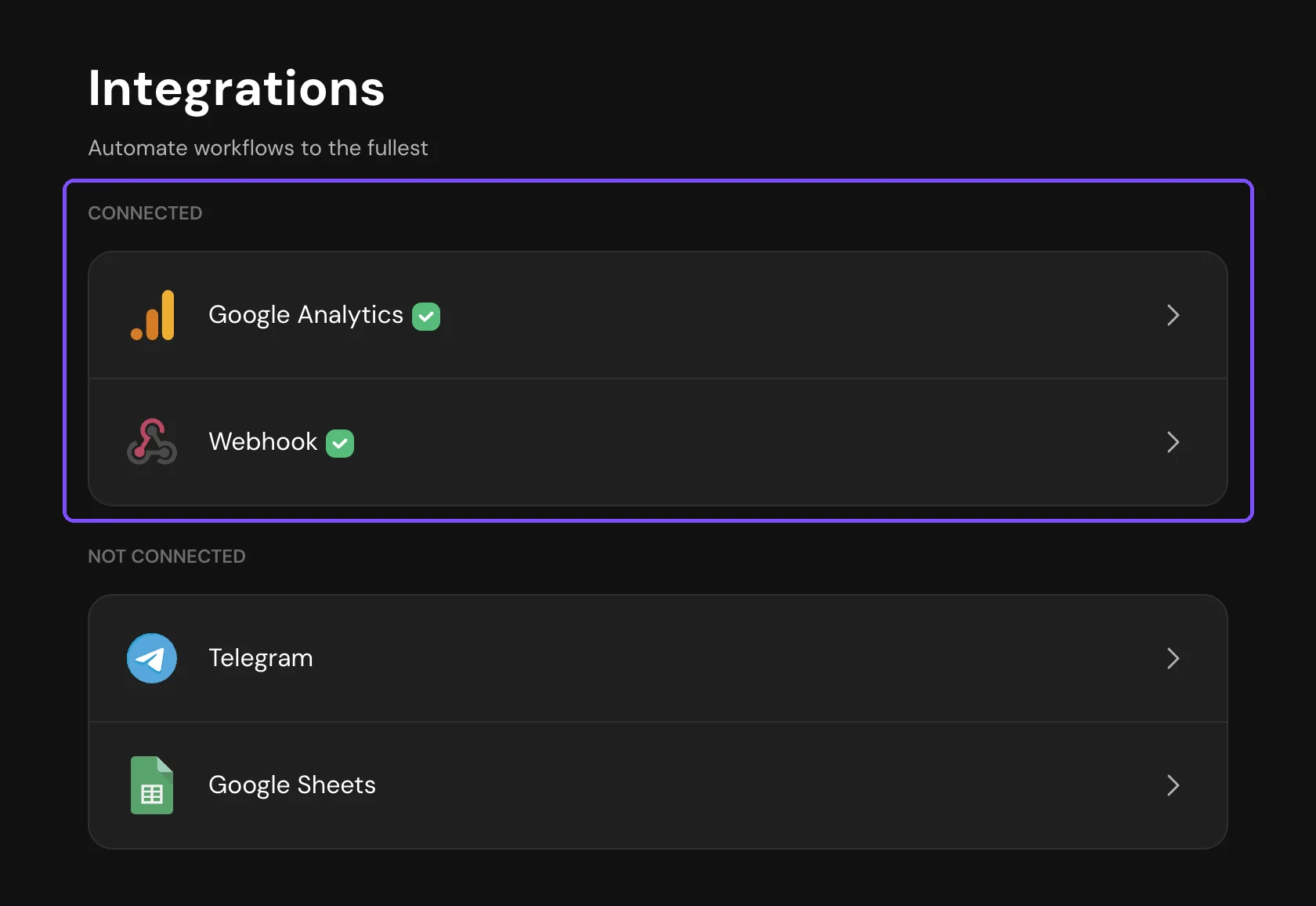
Submit a test response through the published survey link, not in Preview, and check the survey's Integrations tab: a working integration is listed under Connected. Webhook and Telegram logs show whether the response was sent and what error came back.
Note. For Zapier, see Zapier.
The integration is turned off or not set up to the end
- Webhook. A new webhook is saved turned off. Turn on the switch next to it in the Webhooks list.
- Google Sheets. Responses go to the sheet only after you create or connect a spreadsheet. In the Scheduled sync mode, they arrive once a day at the Sync time; in Manual, only after you click Sync now. Choose Real time to get each response right away.
- Telegram. The chat or group must be listed in Connected accounts.
Responses came in before you connected the integration
Integrations send a response when it is submitted. Responses collected earlier, or while a webhook was turned off, are not sent later.
- Google Sheets. Choose Manual in Sync mode and click Sync now: SurveyNinja adds all completed responses that aren't in the sheet yet, without duplicates. Then switch back to Real time. The Scheduled mode adds them at the next sync.
- Webhooks and Telegram. Old responses can't be resent. Download them or use the API.
The response isn't a completed one
These responses are not sent when they come in:
- Incomplete responses. Only a webhook can send them, with Send incomplete responses turned on. See Webhooks.
- Responses of disqualified respondents.
- Answers given in Preview. They are not saved at all.
The plan or the response limit doesn't allow it
Google Sheets and webhooks work on the Basic plan and higher, Telegram on the Standard plan and higher. On a lower plan, the integration card shows a dollar icon. If the workspace moves to a lower plan, for example after the trial, the integrations stay connected, but responses stop going to them until you buy a plan.
When the plan's monthly response limit is used up, new responses are saved but hidden and are not sent to integrations, even after you pay to show them. See What Happens After the Trial Ends?.
In both cases, Google Sheets can catch up with Sync now. Webhooks and Telegram don't send the missed responses.
Google Sheets lost access to the spreadsheet
The integration page shows "Access to the linked Google Sheet is restricted." The spreadsheet was deleted, its access changed, or SurveyNinja was removed from your Google account's connected apps. The survey author also gets an email, if System notifications are on.
- Click Choose from Google Drive and select the spreadsheet again, signed in to the Google account connected to the integration.
- If the error stays, click Unlink in Unlink account and connect Google Sheets again.
- Add the missed responses with Sync now in the Manual mode.
Two more reasons:
- The spreadsheet is full. It holds up to 10 million cells. SurveyNinja emails the survey author when a row doesn't fit. Unlink it and connect a new spreadsheet.
- You deleted the sheet SurveyNinja writes to. Unlink the spreadsheet and connect it again: SurveyNinja adds a new sheet.
Renaming or moving columns doesn't break the integration.
Your webhook server returns an error
In the Webhooks list, open the menu next to the webhook and choose Logs. Click a failed entry to see the error and your server's response.
| Error in the log | What to check |
|---|---|
| "The server did not respond within 30 seconds" | Return a 2xx code first, process the data after |
| "The server responded with an error" | Only 2xx codes count as delivered. Code 405 usually means a wrong Request Type: most services expect POST |
| "Could not find a server at the specified address" or "Could not connect to the server" | A typo in the Call Back URL, or the server is down |
| "Secure connection error (certificate)" | Your server's SSL certificate is invalid or expired |
Failed requests are not repeated automatically. Fix the receiver, then click Retry in the entry or resend a period in Resend failed logs. See Webhooks.
The webhook was turned off automatically
The Webhooks list shows "Endpoint disabled automatically". The webhook failed 20 times in a row, or 5 times in a row with a 4xx code. SurveyNinja stopped sending and emailed the survey author. Responses that come in while it is off are not sent. Fix the receiver, click Turn back on and resend the failed requests from Logs.
Telegram messages stopped arriving
On the Telegram integration page, click View in Sending Logs and open the failed message.
- The chat disappeared from Connected accounts. The bot was removed from the group or blocked in the personal chat, so SurveyNinja removed the chat. Connect it again with Connect account or Connect group.
- "The topic was not found or has been deleted. Choose another topic or send to the general chat". The topic was deleted or closed. Choose another topic or General chat in Notification topic.
- The error says the bot doesn't have enough rights. The group doesn't let the bot post. Allow it in the group settings in Telegram.
SurveyNinja resends a message by itself only if Telegram was temporarily unavailable. After fixing the cause, click Retry next to the message. See Telegram.
Still not working?
Contact support and include the survey link and the name of the integration.